Avvio rapido VPC
Questo guida ti accompagna nella creazione del tuo primo Virtual Private Cloud (VPC) e nel deployment delle tue prime reti private.
Prerequisiti
Al momento, l'attivazione del servizio VPC richiede di aver sottoscritto un'offerta IaaS Open Source. (Questo requisito sarà rimosso in futuro).
Step 1: Access the Console
- Log in to the Cloud Temple Console.
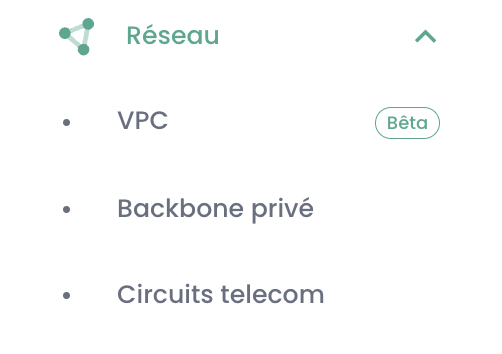
- In the navigation menu, select Network then VPC.
Step 2: Create a VPC
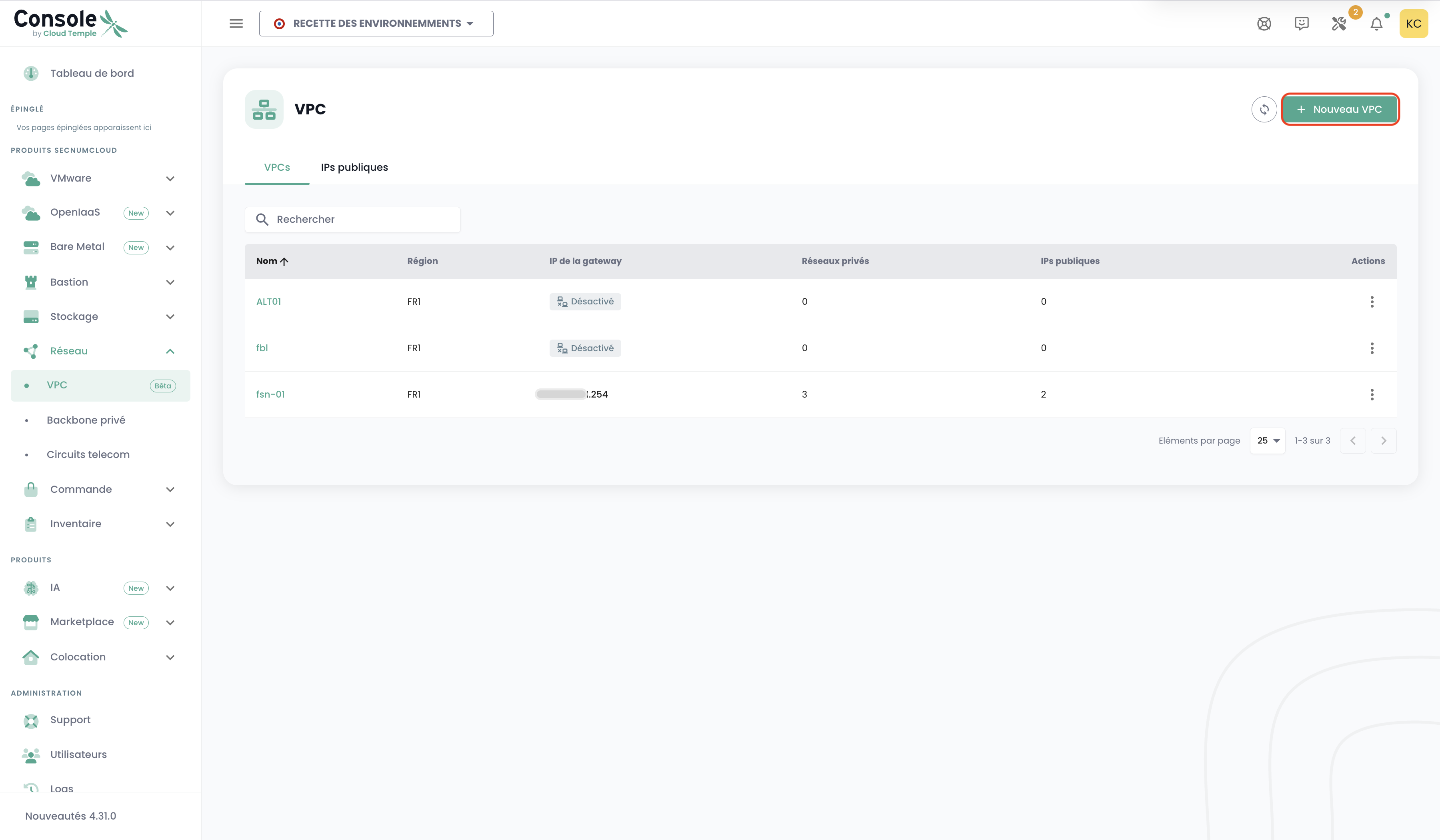
- Click the New VPC button.
- Fill out the guided form:
- VPC Name: Choose a unique name to identify your environment.
- Description: (Optional) Add a description.
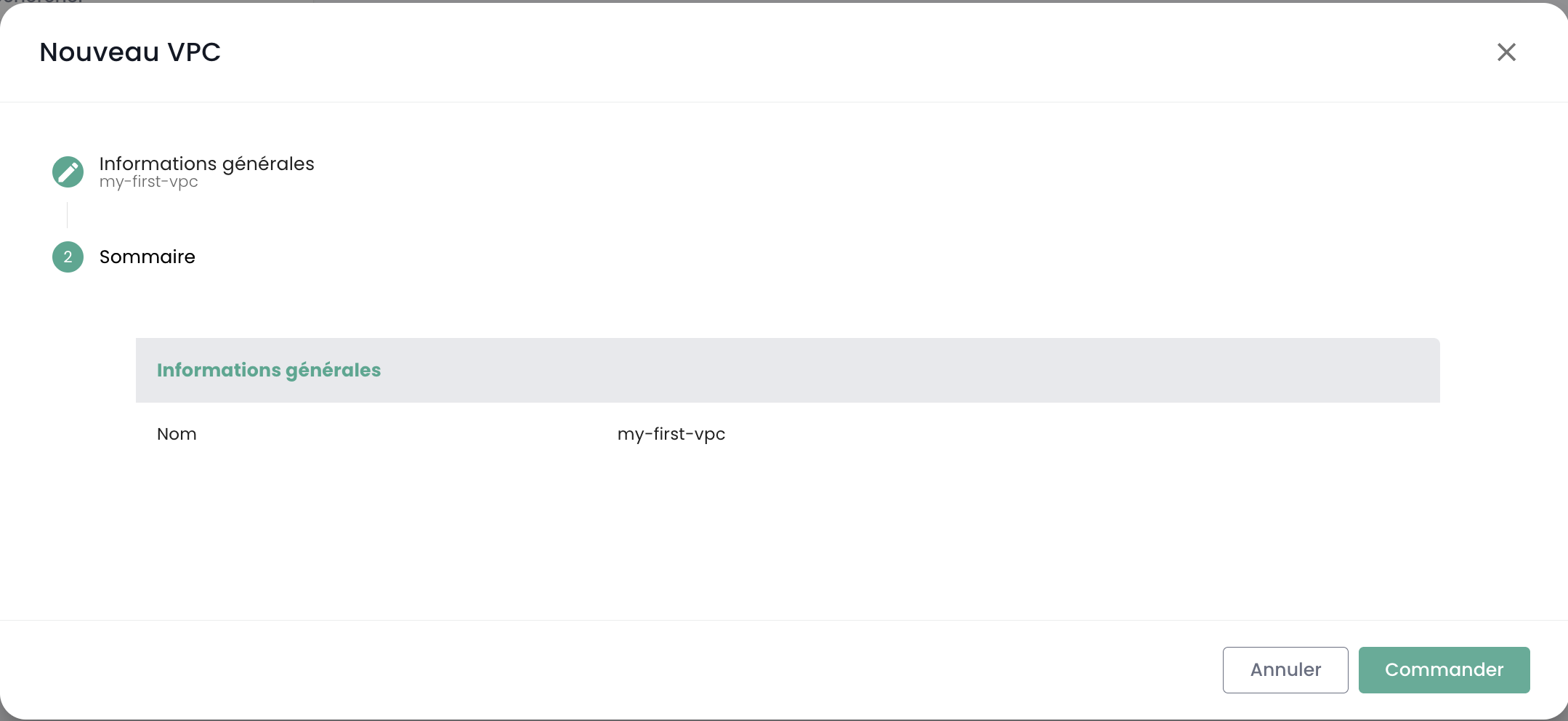
- Confirm the creation.
Note: VPC provisioning is fully automated and typically takes less than one hour.
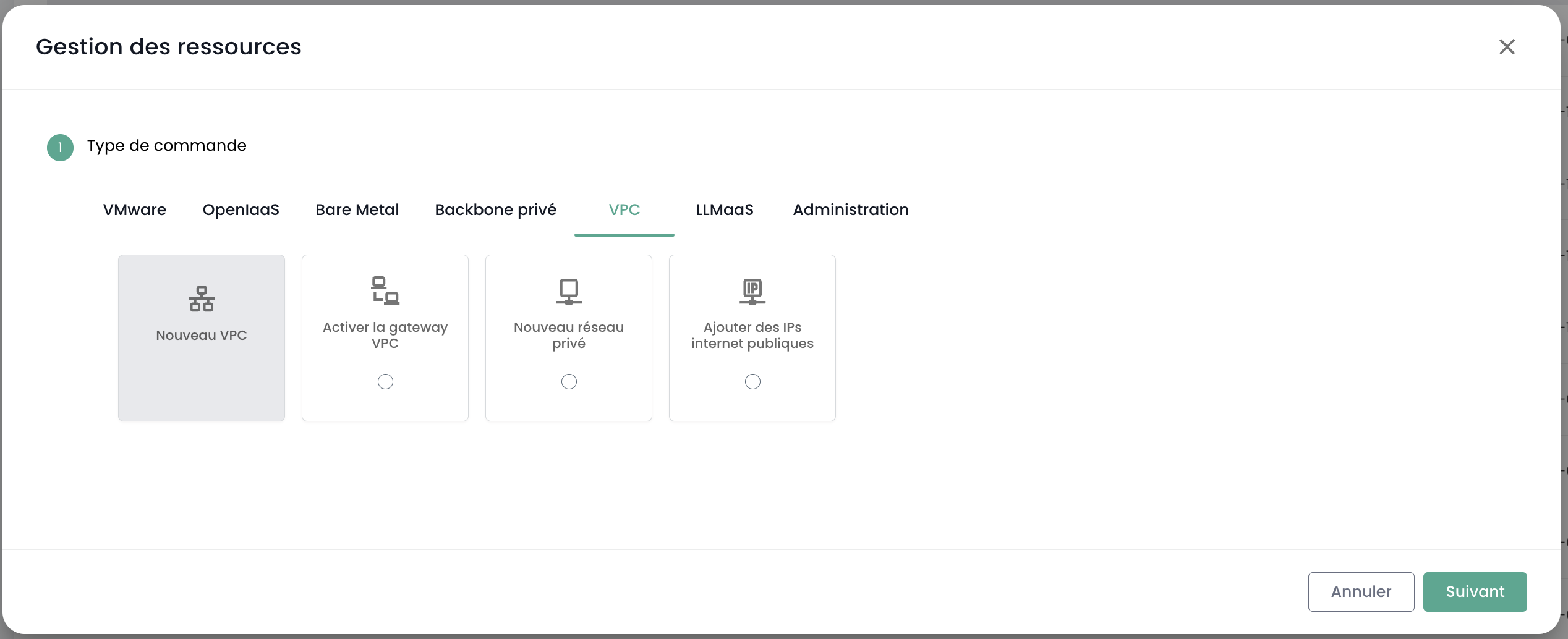
Alternativa: tramite l'opzione Comandi
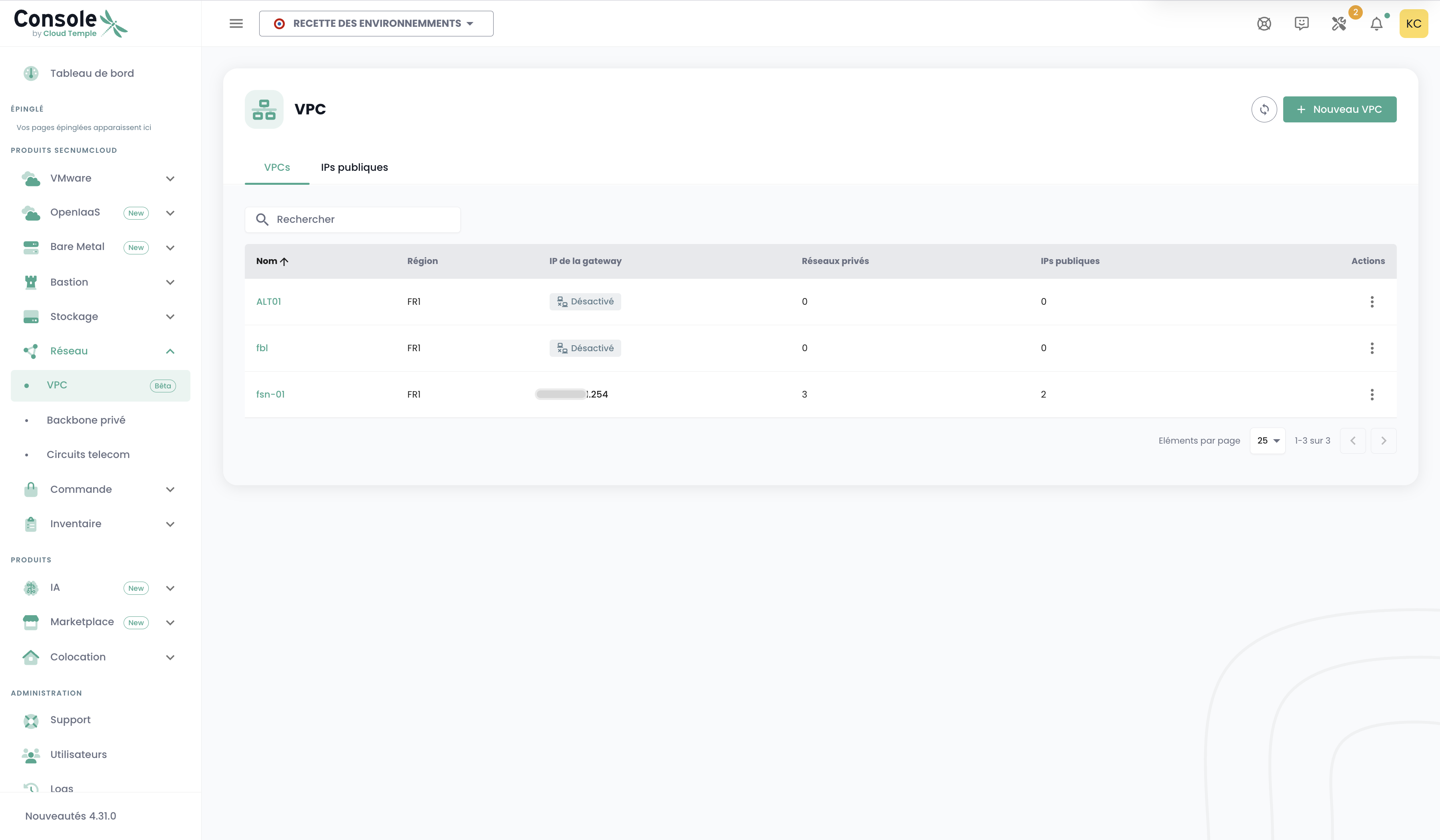
È inoltre possibile avviare direttamente il comando per le risorse VPC dal menu Comandi.
Step 3: Create Private Networks
Once your VPC is active:
- Go to your VPC details by clicking on its name.
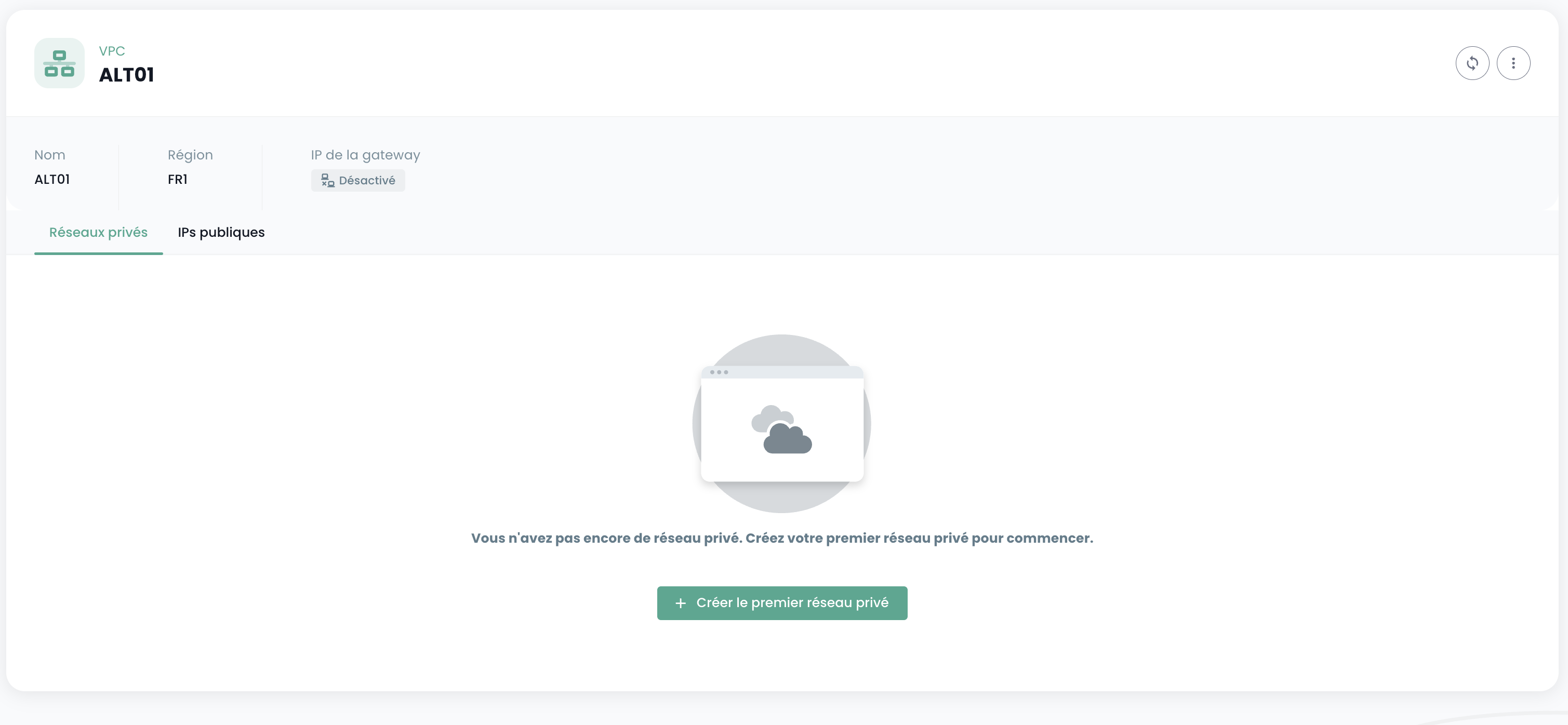
- Navigate to the Private Networks tab.
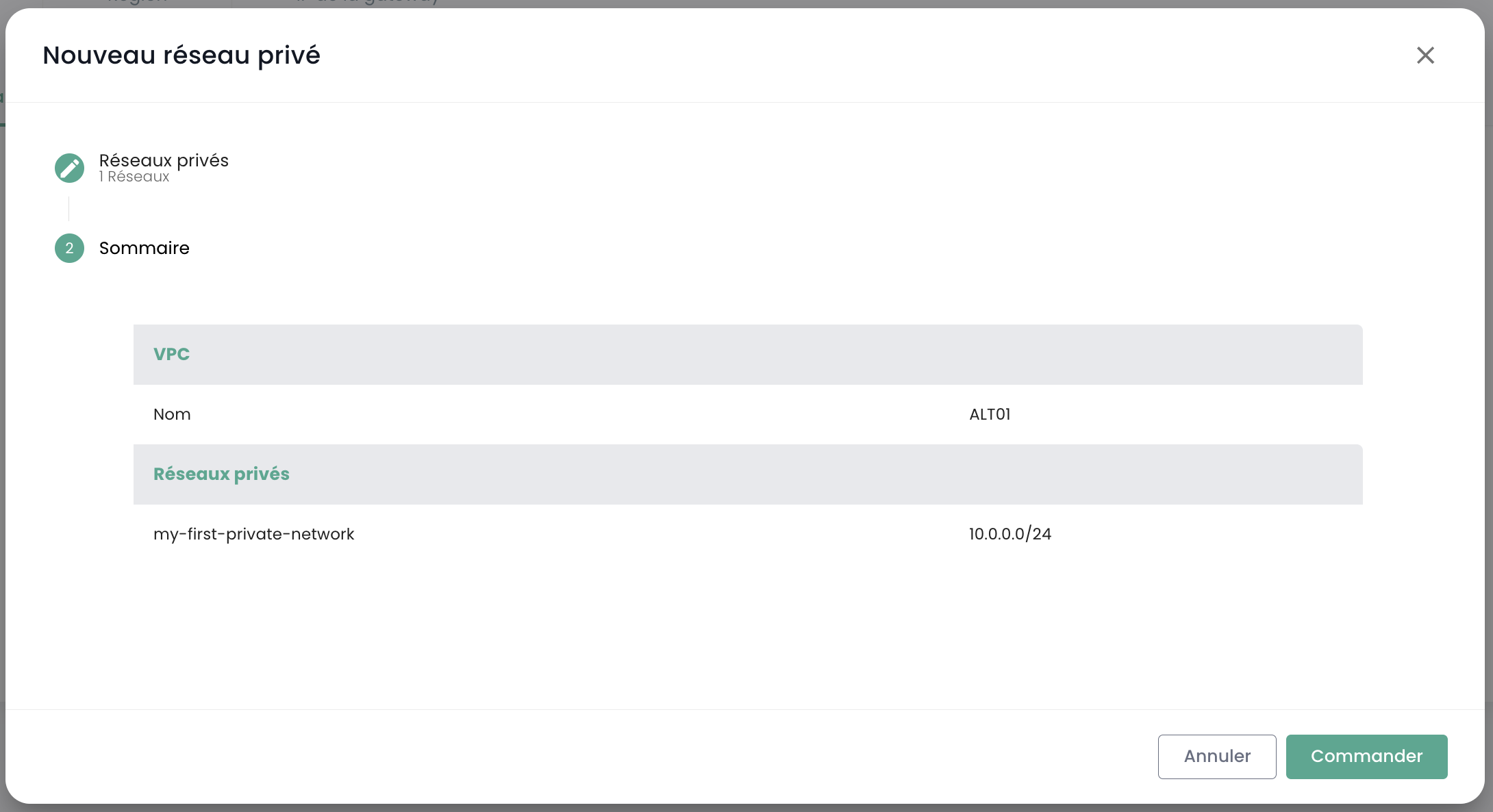
- Click Add a network.
- Configure your network:
- Name: Name of the network segment (e.g.,
backend,frontend). - CIDR: IP address range (e.g.,
192.168.1.0/24).
- Name: Name of the network segment (e.g.,
Step 4: Activate the Gateway and Request Public IPs
To enable Internet access and expose services:
- Check if the gateway is activated. If not, click the activation button.
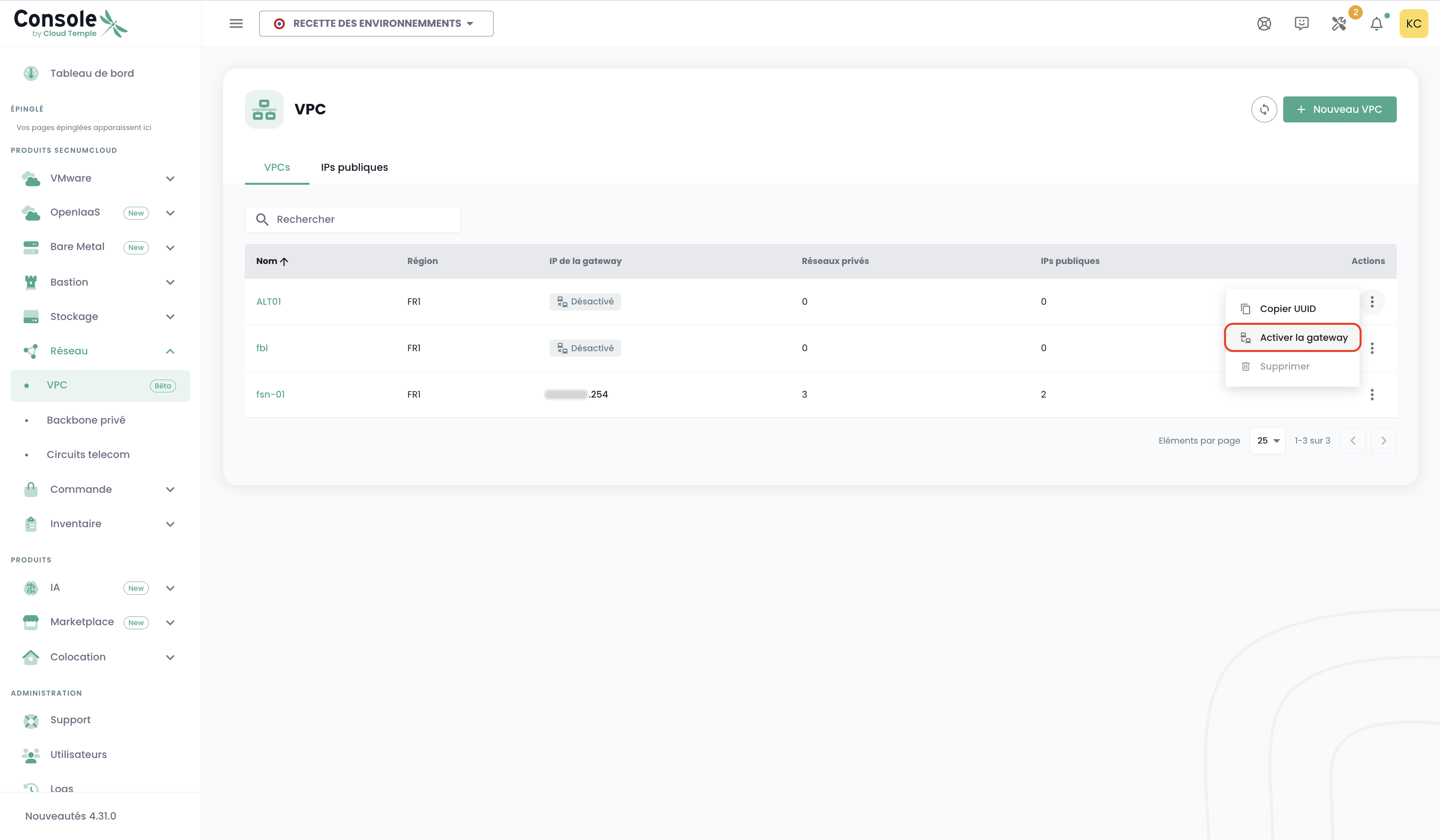
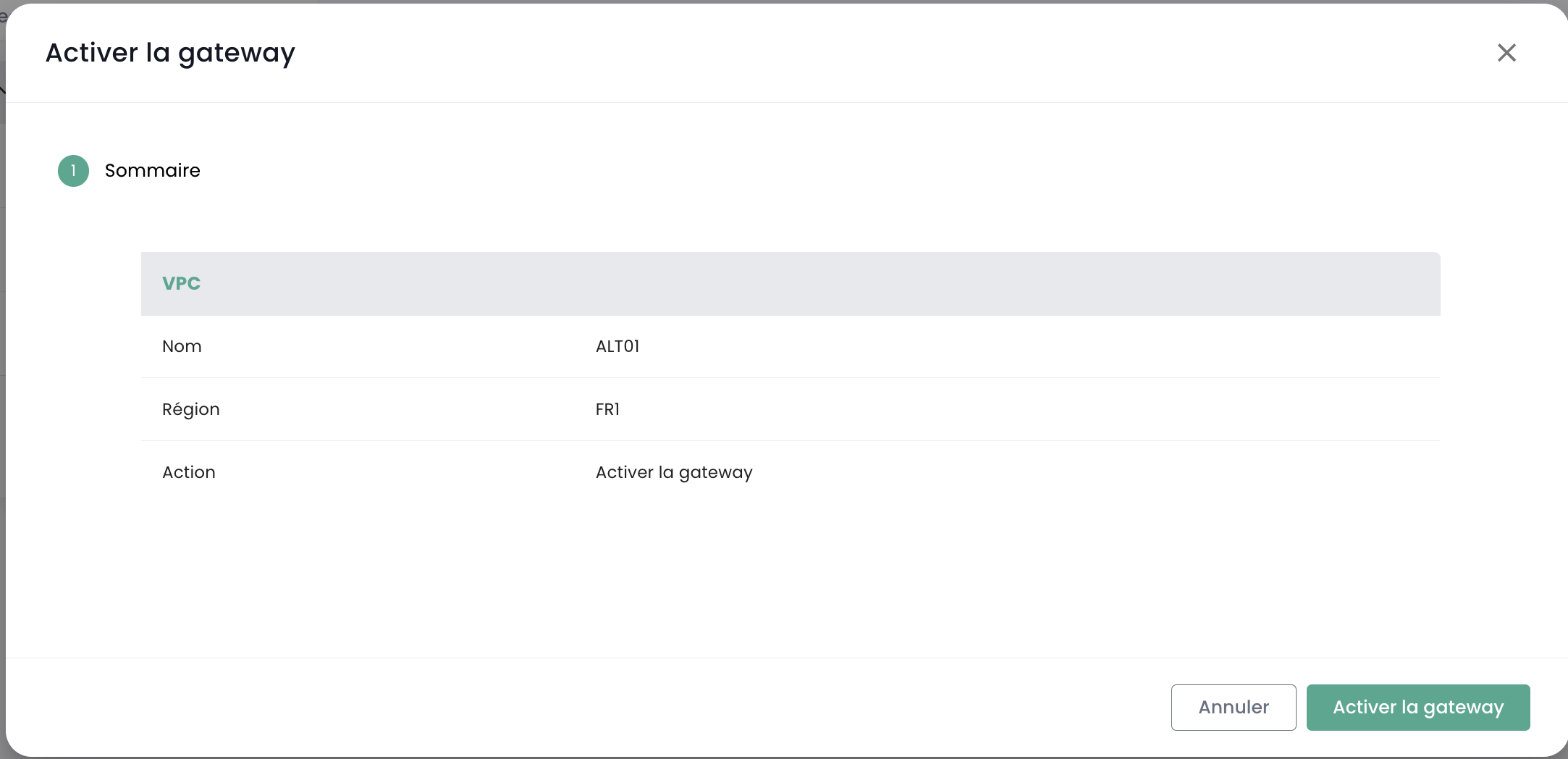
- Once the gateway is active, go to the Public IPs tab.
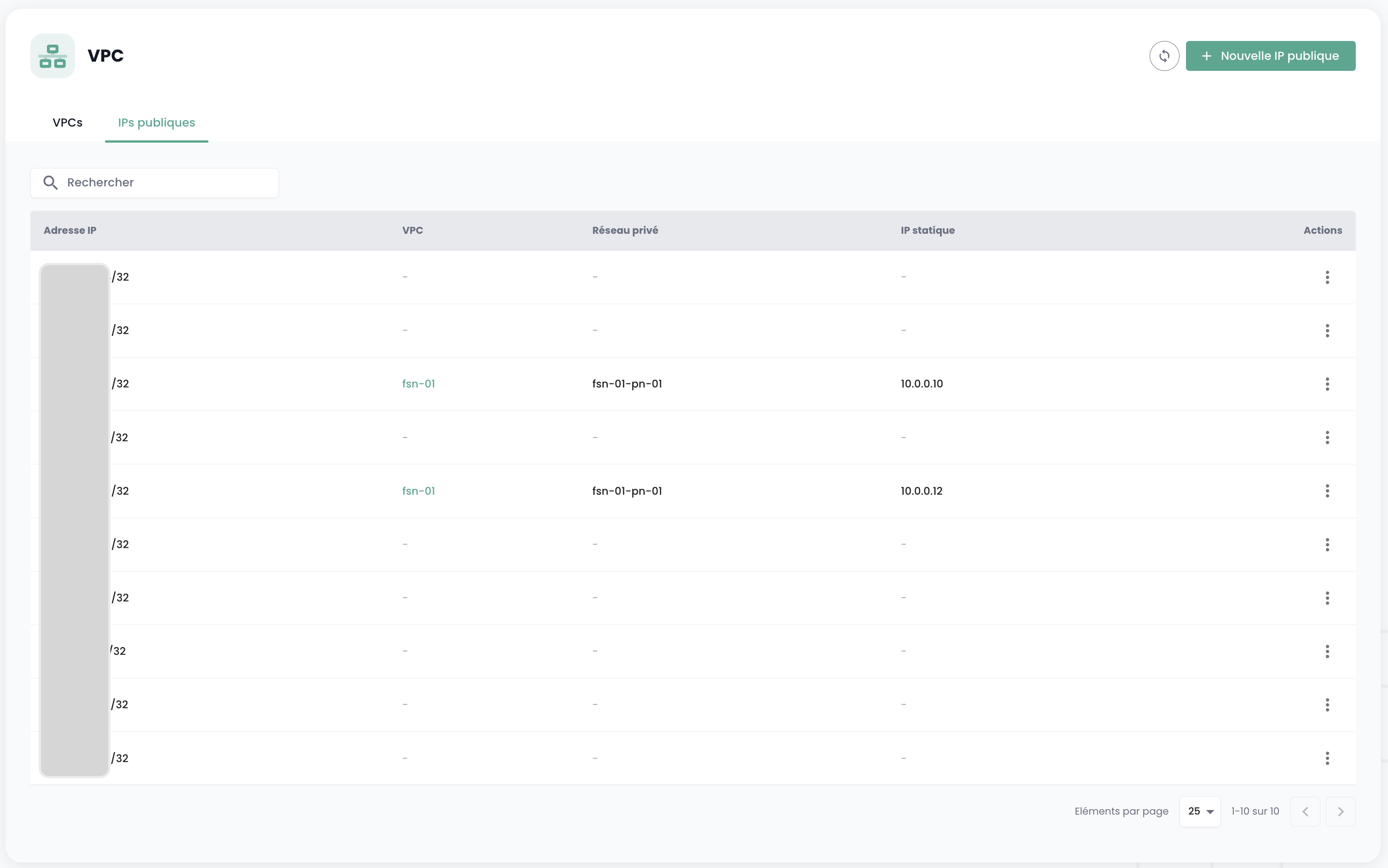
Note: The Public IPs list at the root of the VPC menu displays all public IPs (assigned or not). The Public IPs tab within a VPC's details allows you to manage only those assigned to that specific VPC (requires the gateway to be active).
- Click the button to request new IPs, or click the "Assign" action to assign an IP from the list that is not yet assigned.
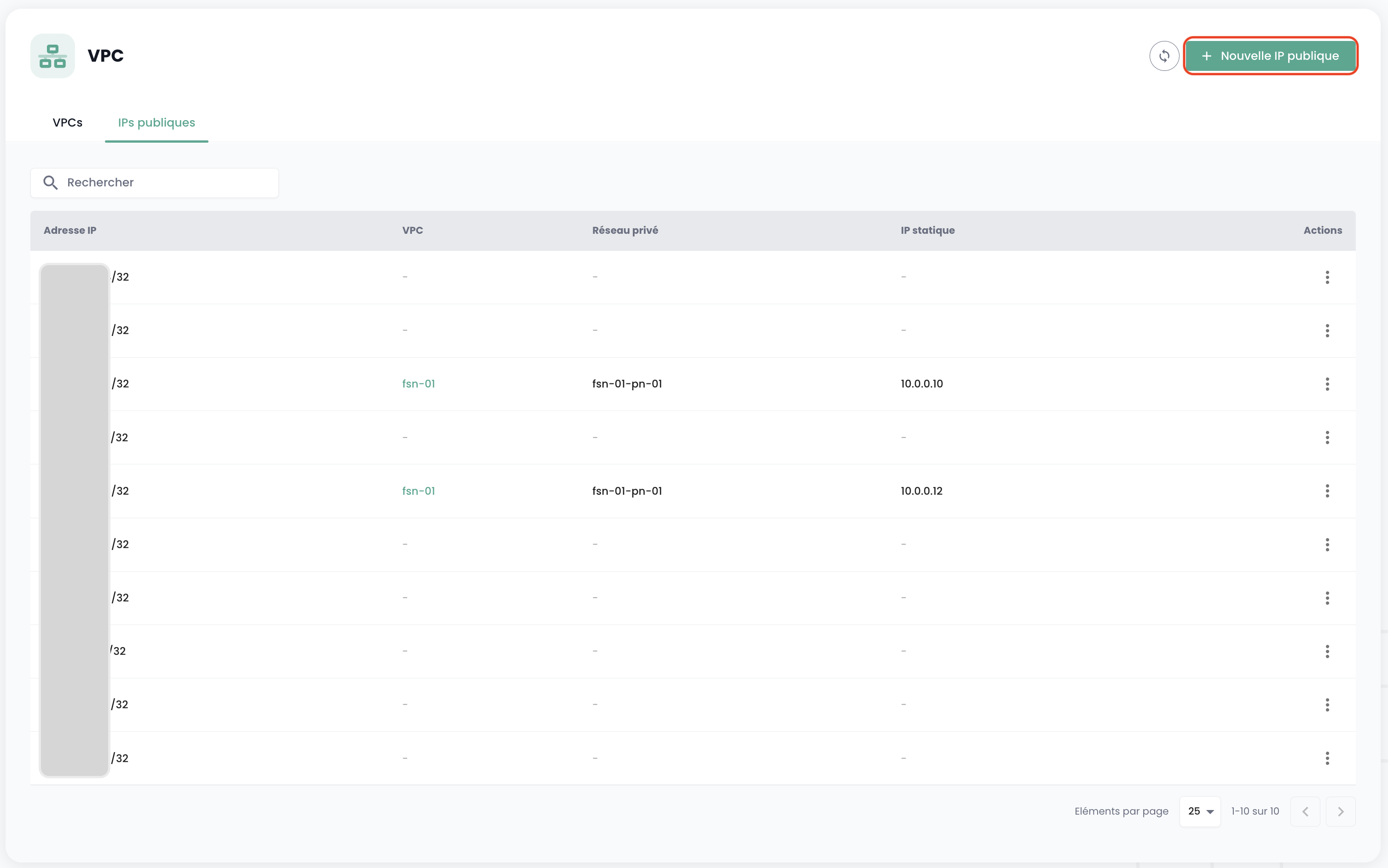
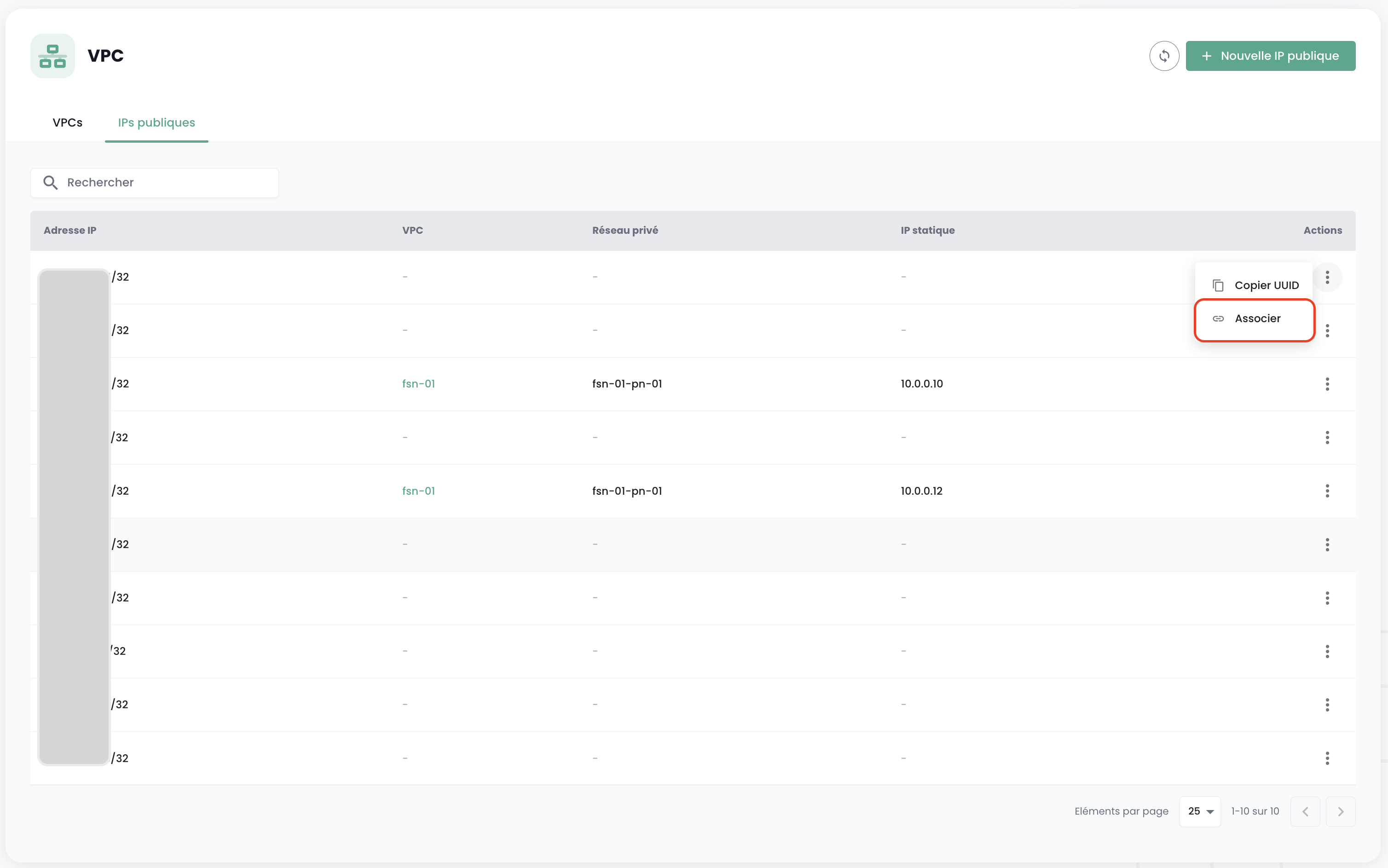
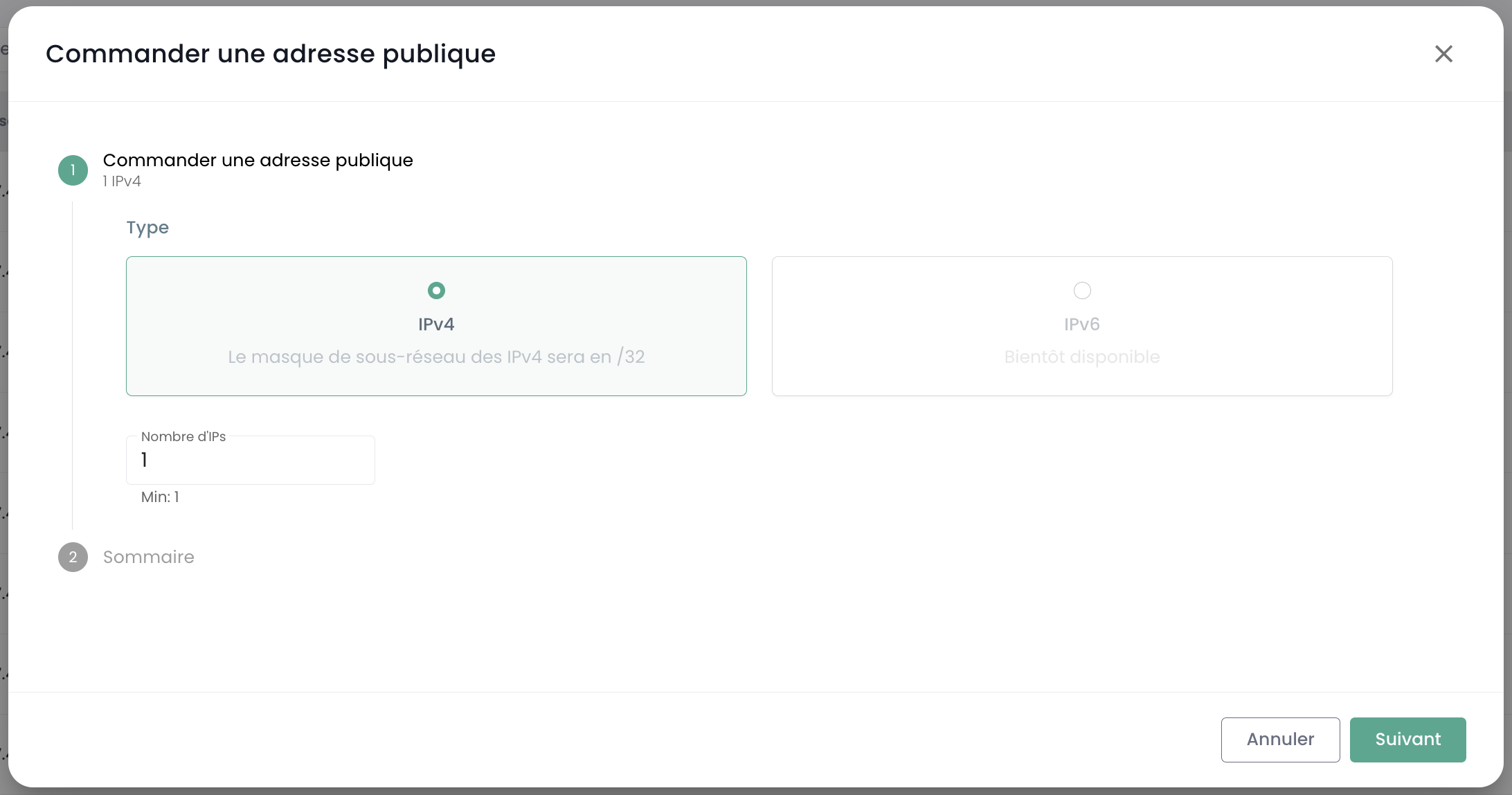
- Select the number of IPs you wish to request, then confirm your request.
Step 5: Connect your resources
Your private networks are now available across all Availability Zones (AZ) in the region. You can connect your Open Source IaaS virtual machines or your servers directly from their respective configuration interfaces.
To learn how to set up a VPC network on a virtual machine, check out our tutorial: Configure a Static IP and a VM.