Using Cloud Berry Explorer
You can use the graphical client Cloud Berry Explorer to manage your data.
1. Connection Configuration
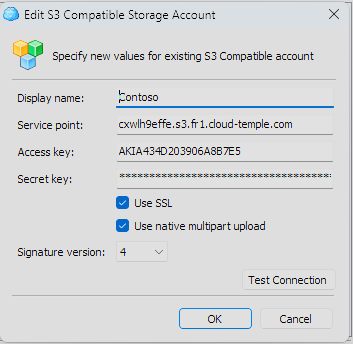
Connect using your endpoint (endpoint), your access key, and your secret key.
2. Access to the bucket
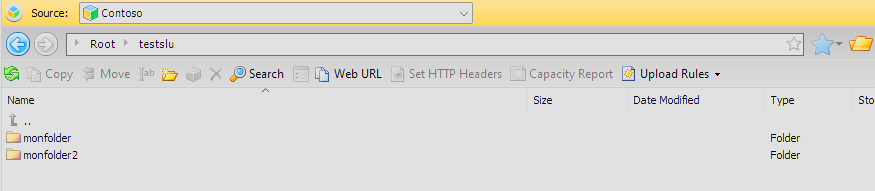
Once connected, enter the name of the desired bucket in the navigation bar to access it.

3. File Management
You can now manage the contents of your bucket as you would with a traditional file explorer.