Managing Access to S3 Buckets from the Cloud Temple Console
The bucket configuration interface offers three access management modes according to the desired IP restriction type:
Public Access
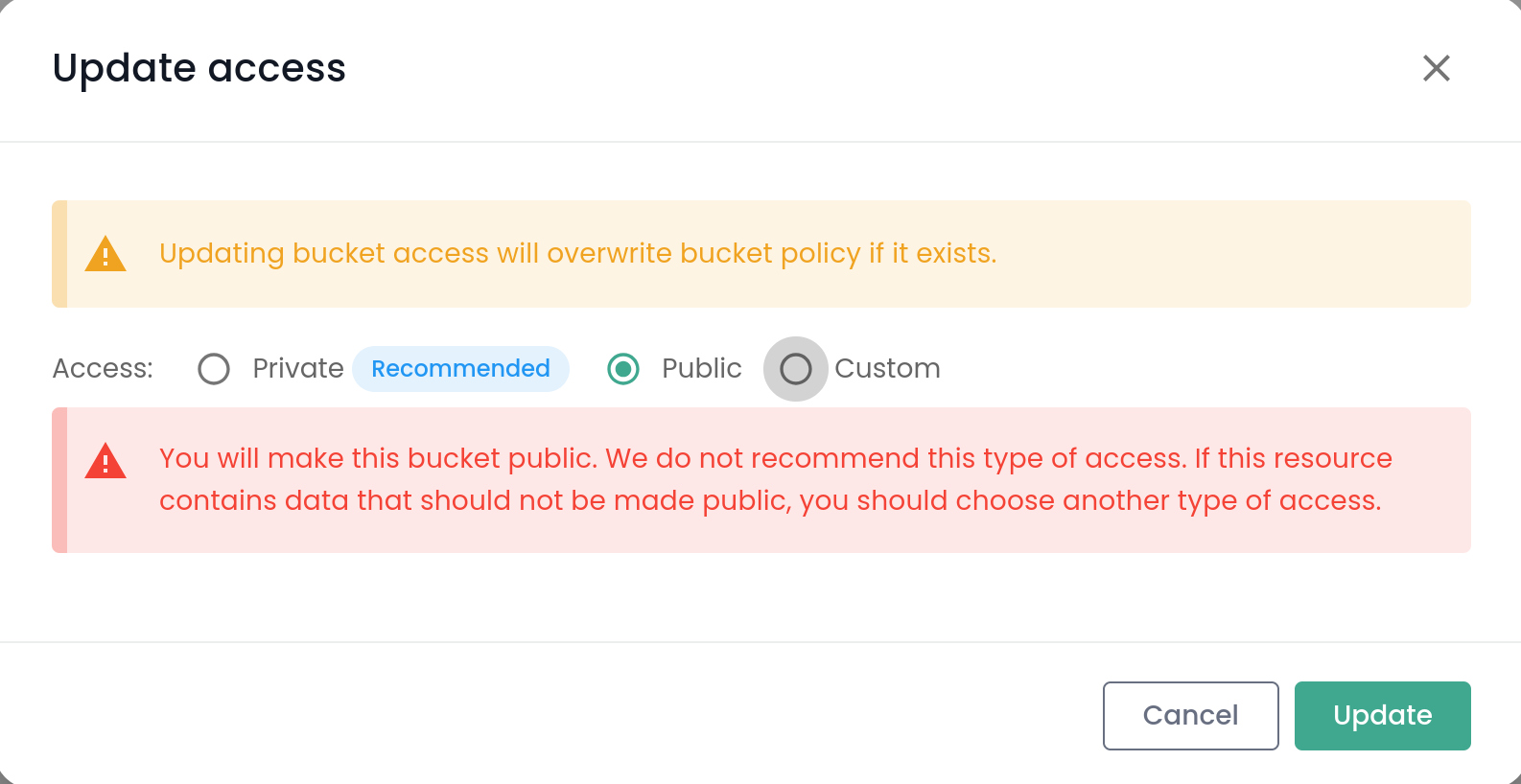
- Functionality: No IP address restrictions are applied.
- Consequence: The bucket is accessible from any IP address, without filtering.
Private Access (automatic)
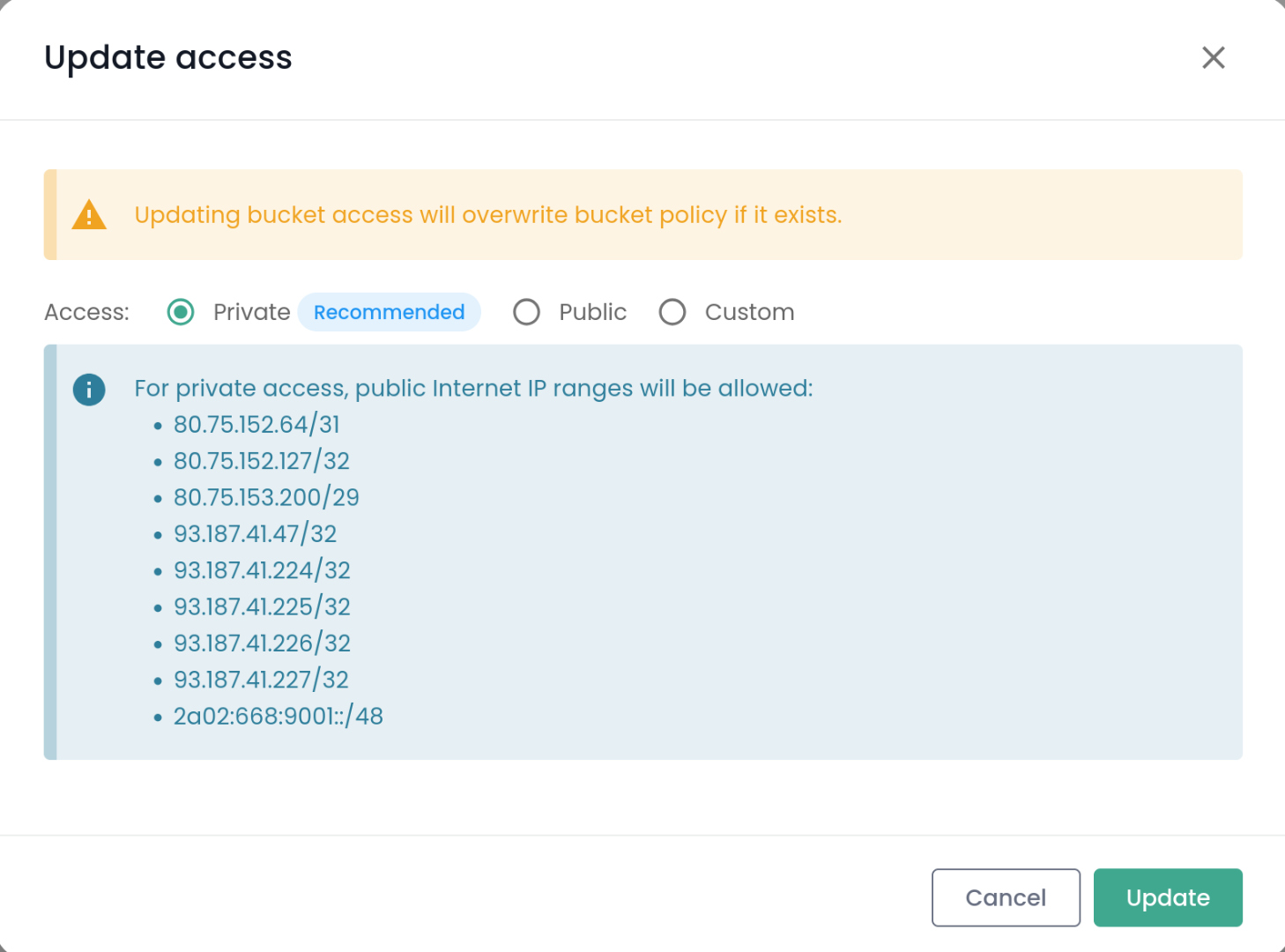
- How it works: All CIDR ranges assigned to the tenant are automatically added by the editor, without requiring manual intervention.
- Console specificity: Network addresses (first address of the block) and broadcast addresses (last address of the block), which are typically reserved on an IP network, are also automatically included.
- Consequence: The user does not need to manage these subtleties—everything is handled automatically by the tool.
Custom Access (Manual)
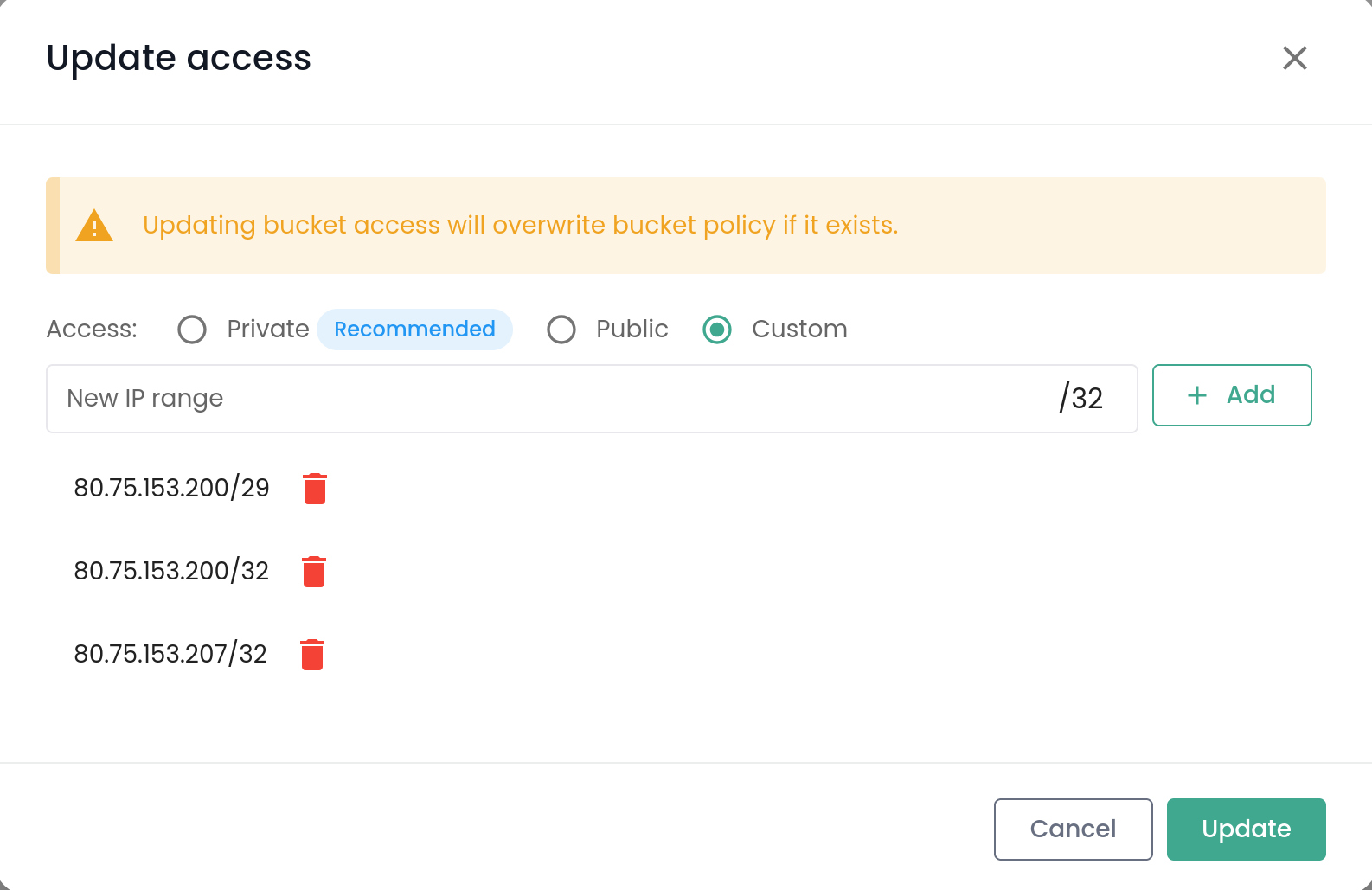
- How it works: The user must explicitly provide all CIDR ranges as well as the network and broadcast addresses to be authorized.
- Example: If you want to allow the prefix
80.75.153.200/29, you must also explicitly add the addresses80.75.153.200/32(network address) and80.75.153.207/32(broadcast address) so that these are included in the access policy. - Consequence: Offers full flexibility, but requires complete and rigorous configuration.
info
Nature of CIDR prefixes provided by Cloud Temple
All CIDR prefixes provided by Cloud Temple are [translate:route prefixes]. This means that for these address ranges, all addresses they cover—including network and broadcast addresses—are usable as valid source addresses in access policies. This is why the Console editor systematically includes these special addresses in Private mode.
This characteristic distinguishes your environment from certain traditional networks, where such addresses are reserved and not usable.