Getting Started Guide
Managing Your Internet Connectivity
The management of connectivity is done via the 'Network' > 'Internet' menu. This menu centralizes the management of IP addresses, offering two distinct categories:
- Public IP Addresses: These are used to expose your services on the Internet, facilitating incoming and outgoing data exchanges.
- Interconnection IP Addresses: These addresses allow your gateways to route traffic to Cloud Temple's specific network, ensuring a secure and efficient connection.
Public IP addresses enable Internet access, while interconnection IP addresses used with the BGP4 protocol ensure secure connections between networks. These latter addresses facilitate reliable and secure exchanges between your tenant and the Cloud Temple network. The combined use of these addresses improves traffic management and enhances network security and performance.
Here is the main interface for managing IP addresses:
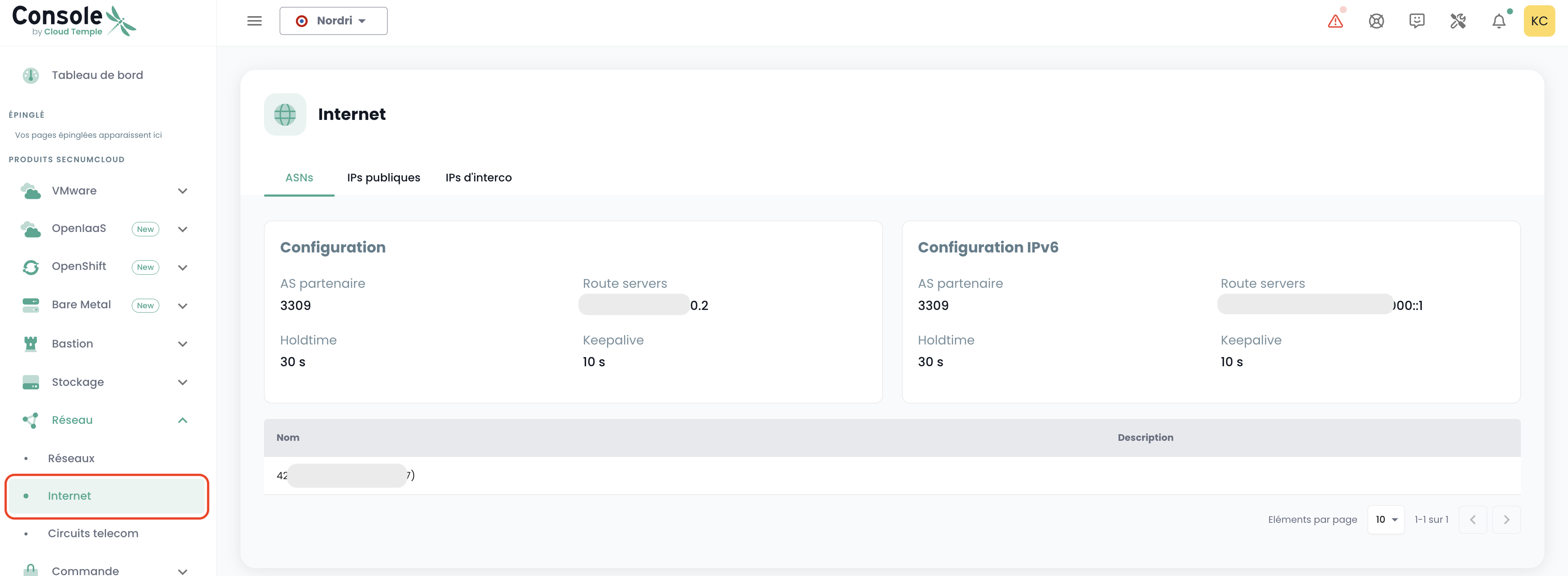
The home tab corresponds to your dedicated internal ASN for your tenant. It notably indicates important information for configuring your BGP connectivity.
Public IP Addresses
You can view and comment on the IP blocks and addresses associated with your tenant via the IPAM integrated into the Cloud Temple console:
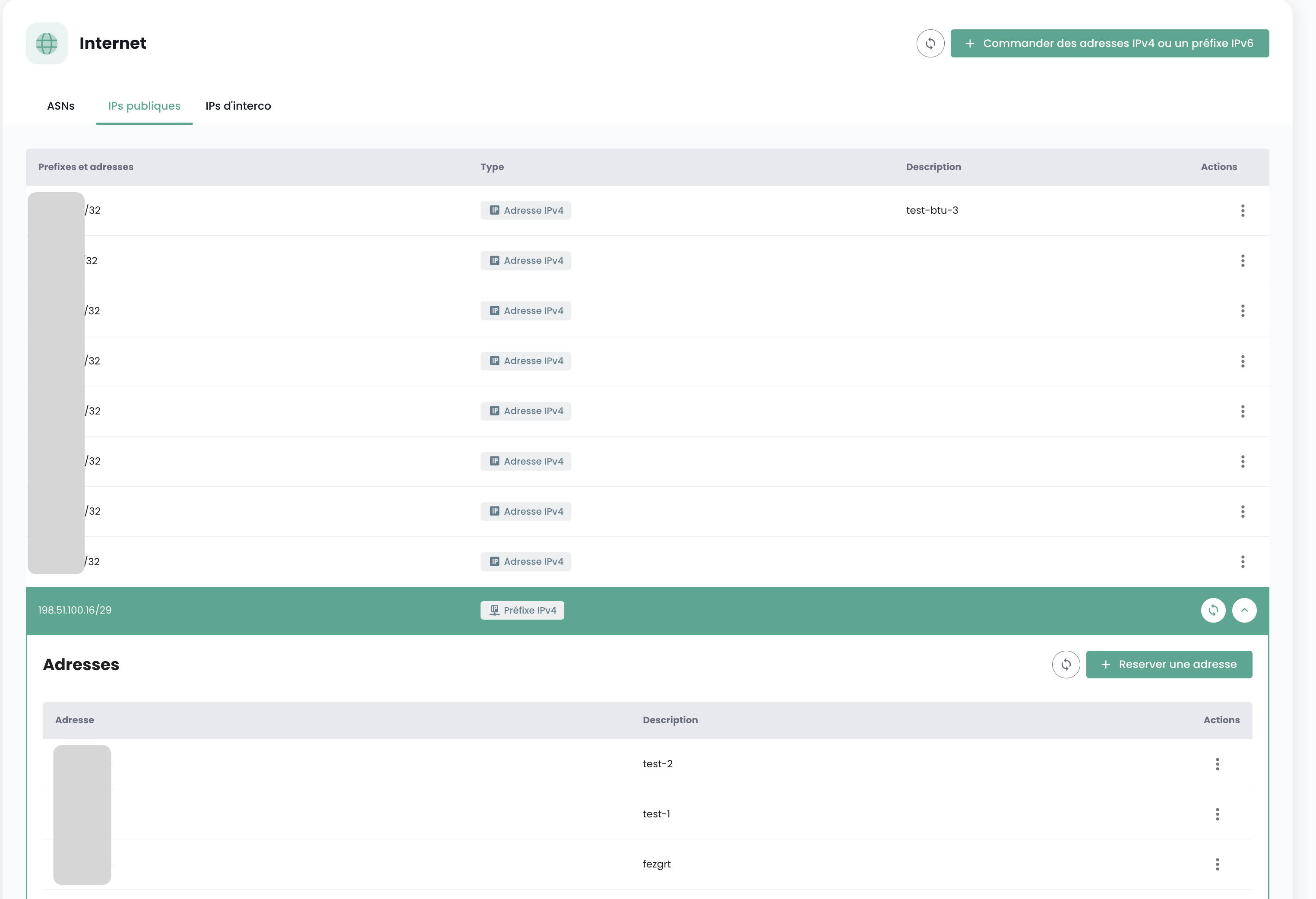
Public IP address orders are made via the 'Order Public IPs' button:
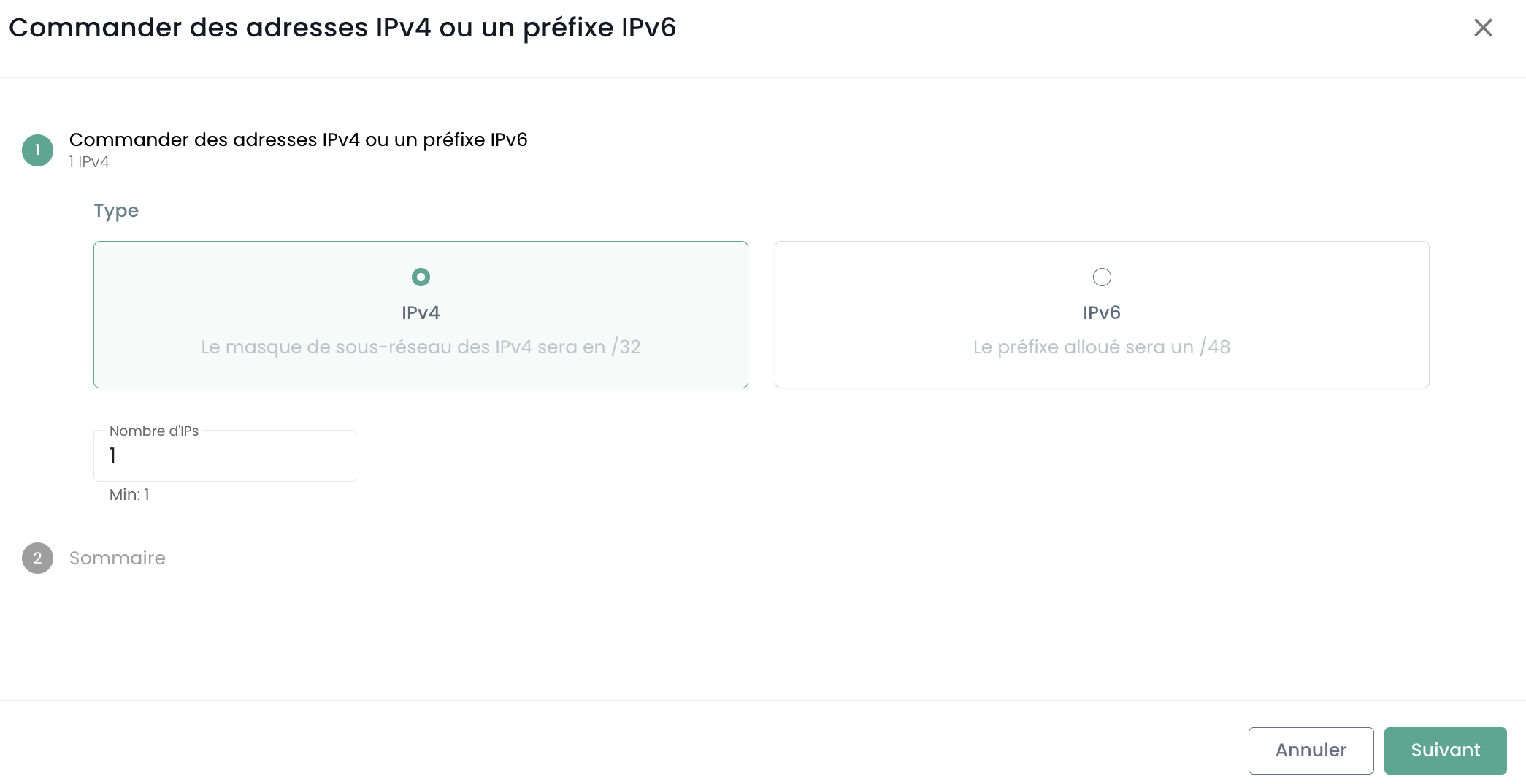
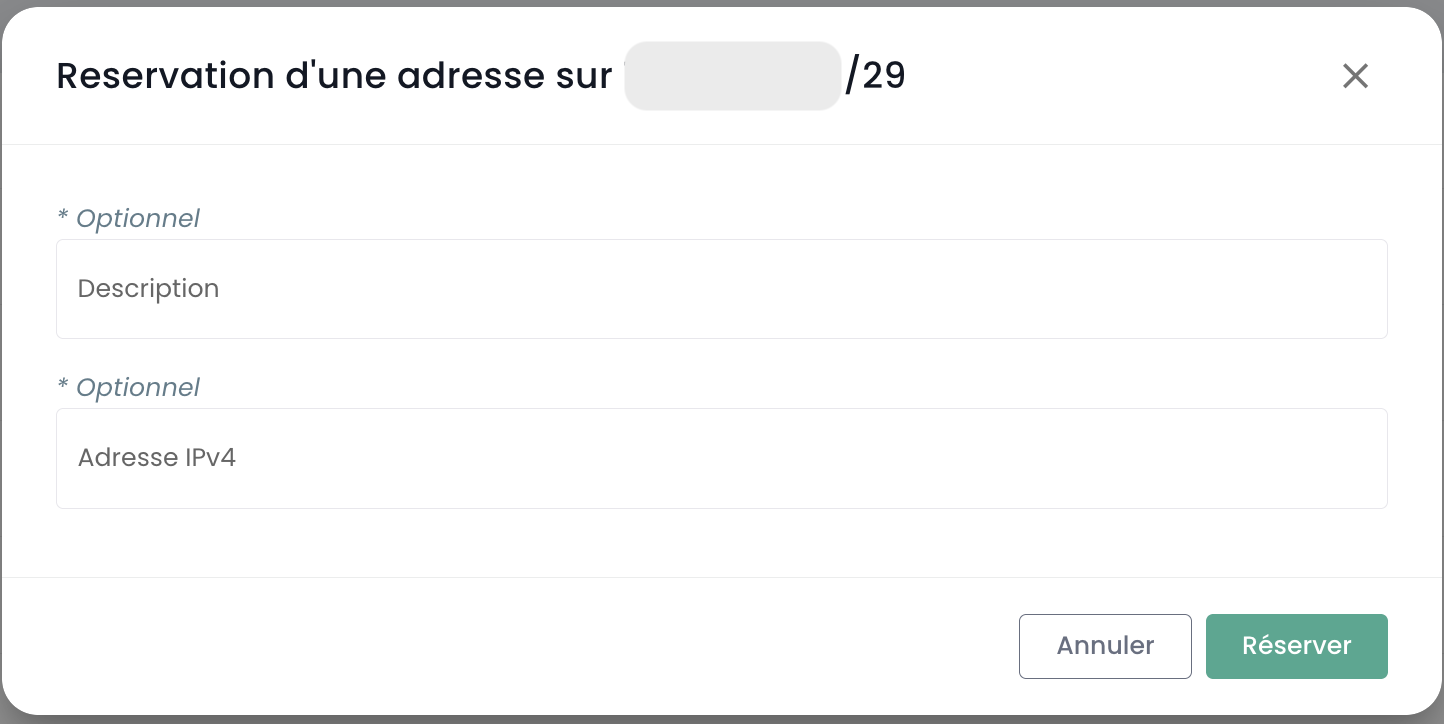
The reservation and assignment of an IP address are done via the 'Reserve an Address' button:
Modification or deletion of the reservation is done via the 'Actions' buttons:
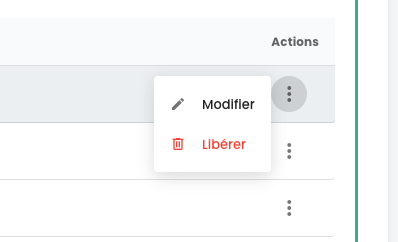
Deleting a reservation means the resource becomes available for other use, but remains allocated and billed to the client.
On some lines, the 'Action' button is not available, indicating that the IP addresses are reserved and therefore not available for use.
Interconnection IP Addresses
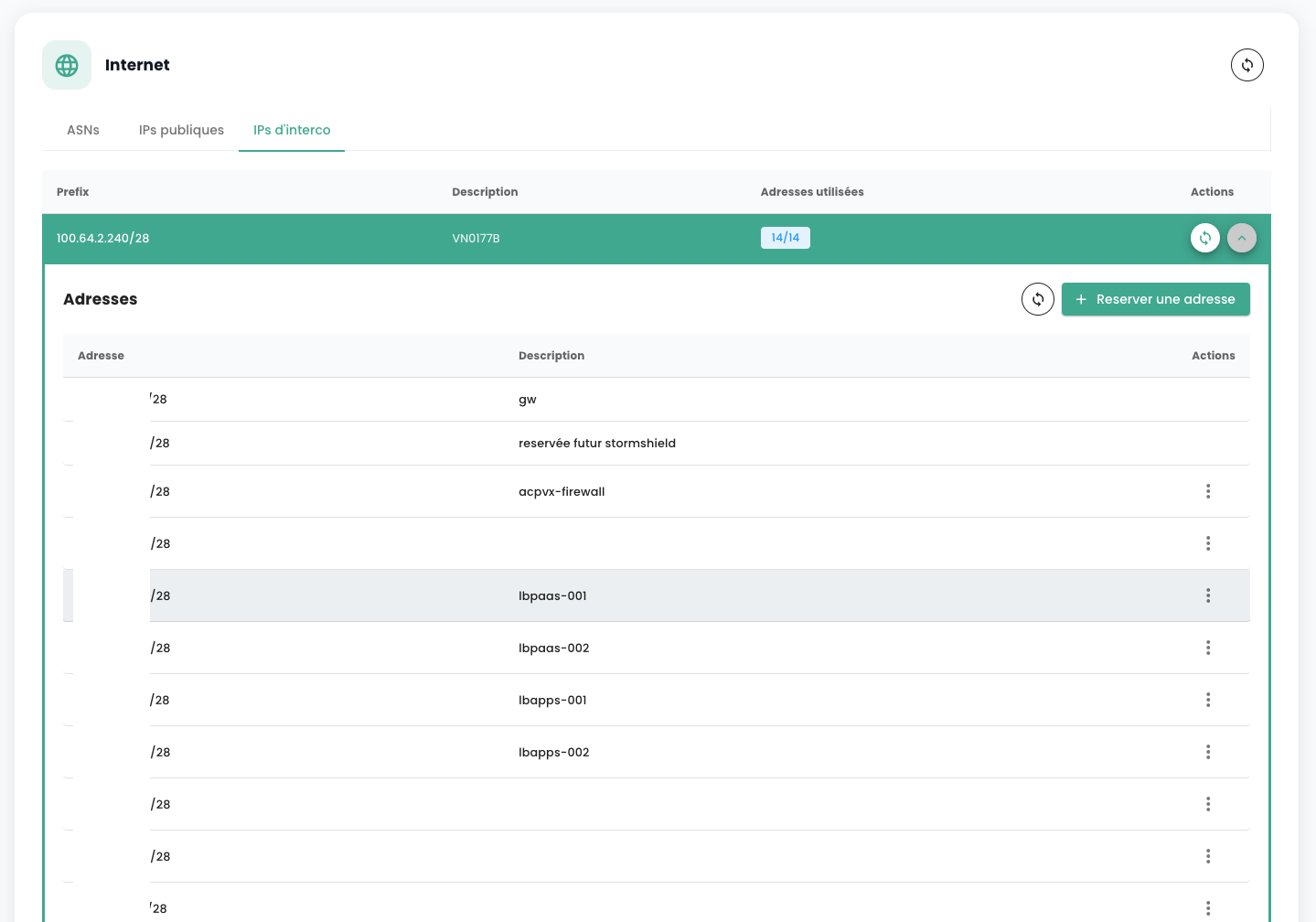
Similarly, you can view and comment on the interconnection IP address blocks. You can view the interconnection subnets with the Cloud Temple network and their usage:
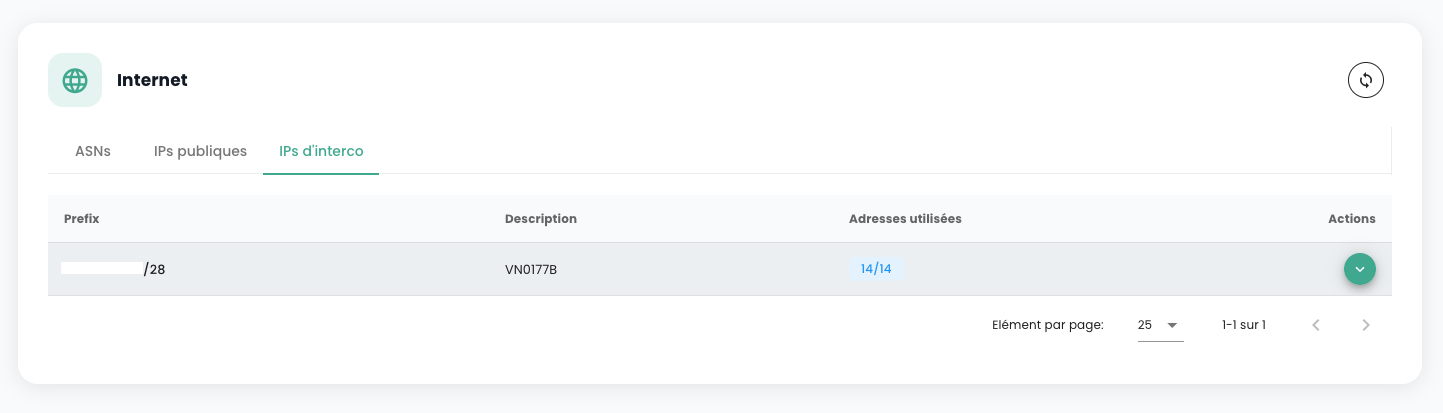
You can easily modify, as with public addresses, their usage in the integrated IPAM management: