QuickStart for the Cloud Temple Marketplace
This page guides you through the initial steps to use the Cloud Temple Marketplace from the console. Follow these instructions to discover available solutions and deploy them quickly.
Prerequisites
Before you begin, ensure the following:
- Active subscription: To enable deployments, your organization must have subscribed to at least one Cloud Temple service (Open Source IaaS or VMware IaaS). When working with our partners, you do not need a specific subscription.
- User permissions: Your user account must have the necessary rights to access the console and write permissions on the target environments when you want to deploy resources there.
- Target environment: Have a tenant configured for solution deployment.
Marketplace Access
1. Access from the Console
Once logged into the Cloud Temple console, you can access the Marketplace in several ways:
- Main menu: A Marketplace menu is available in the main navigation
- Virtual machine pages: The Marketplace is also accessible from the virtual machine creation pages in OpenIaaS and VMware environments
2. Marketplace Page
The Marketplace page presents a catalog of available solutions. Each solution displays:
- Name and logo of the solution
- Short description
- Publisher/Partner
- Solution type (VM Image, SaaS Solution, etc.)
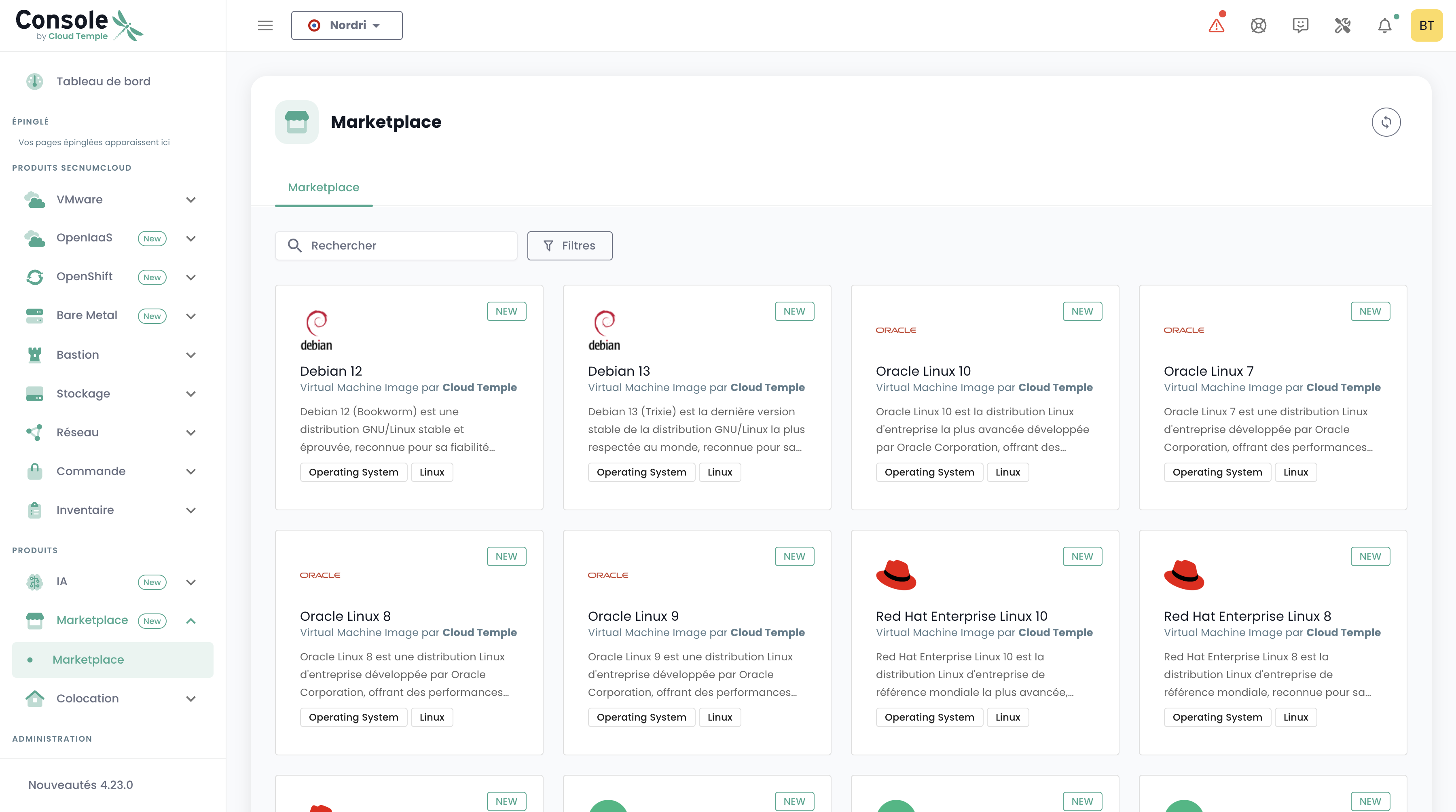
Viewing the details of a solution
Access to detailed information
By clicking on a solution, you access a details page that includes:
- Complete description of the solution
- Technical specifications (if applicable)
- Deployment prerequisites
- Documentation provided by the vendor
- Available deployment options
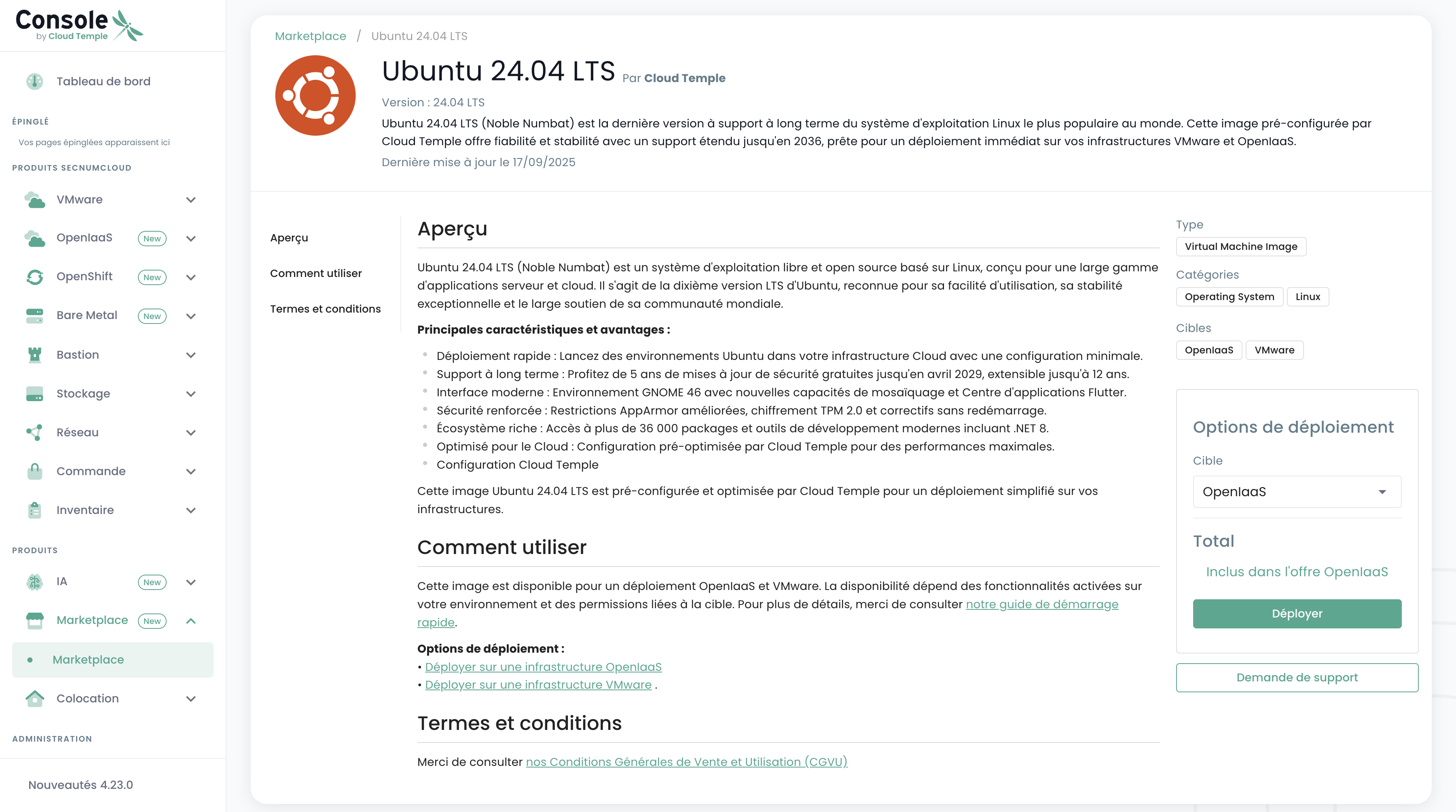
Available actions
Depending on the solution type, different actions are possible:
Deploying virtual machine images
For solutions compatible with your OpenIaaS or VMware environments, you can deploy directly from the Marketplace.
Important note: Direct deployment is only available for images that list your environment among their compatible targets.
Detailed guides:
Contact with Partners
For solutions requiring matchmaking, you can contact the vendor partner directly.
Detailed guide: