Encrypt a virtual machine
This tutorial helps you encrypt an IaaS VMWare virtual machine from the Console portal.
Prerequisites
-
Key Provider (HSM/KMS) :
- A key provider must be configured on the vStack. (If no key provider is configured, please contact the support team via a ticket.)
- Ensure that the key provider is properly enabled.
-
Virtual Machine State :
- The virtual machine must be powered off.
- The virtual machine must not be in spp mode 'test'.
- The virtual machine must not already be encrypted.
- The virtual machine must not have any snapshots.
- The virtual machine must not be replicated.
Interface
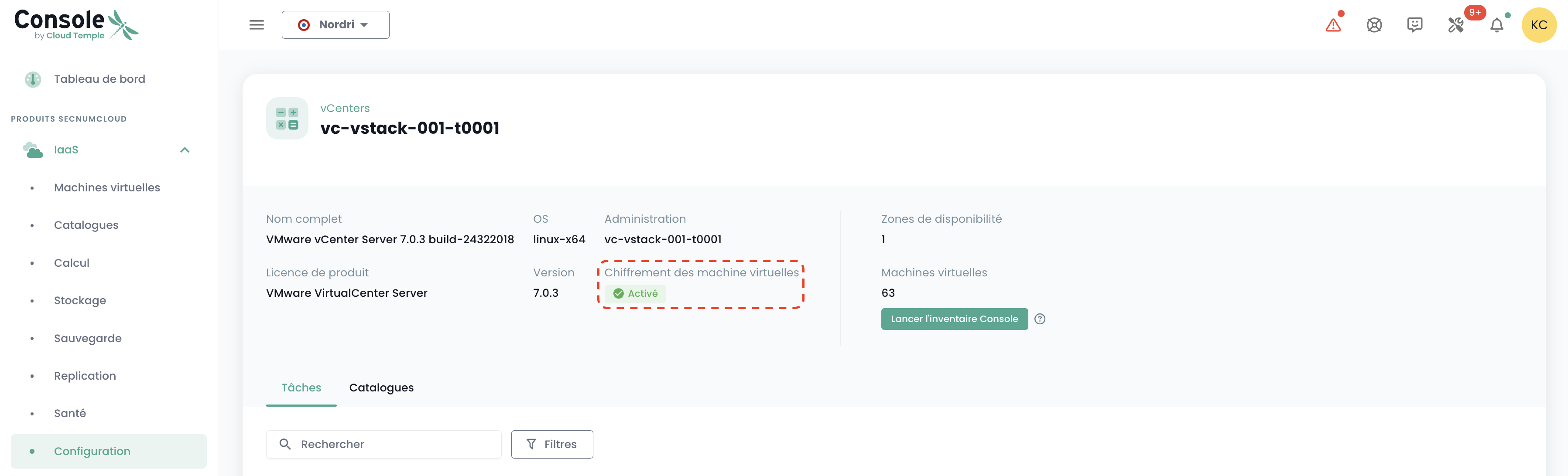
Once logged into the Console web portal, from the 'IaaS' menu, under the 'Configuration' submenu, and then the 'vCenters' tab, you will find the information indicating whether encryption is enabled on the vstack in question.
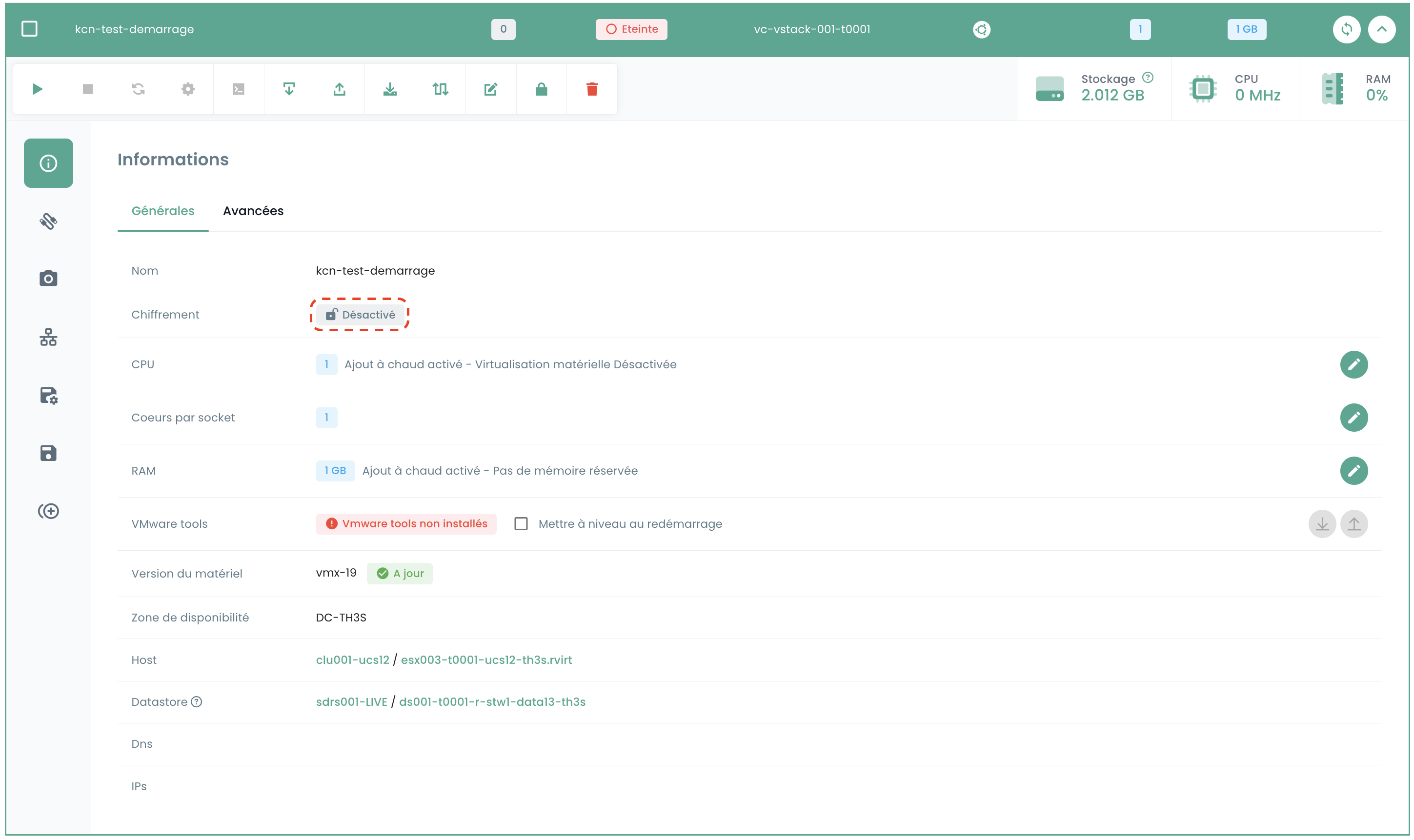
Next, go to the 'Virtual Machines' submenu and select the machine you wish to encrypt.
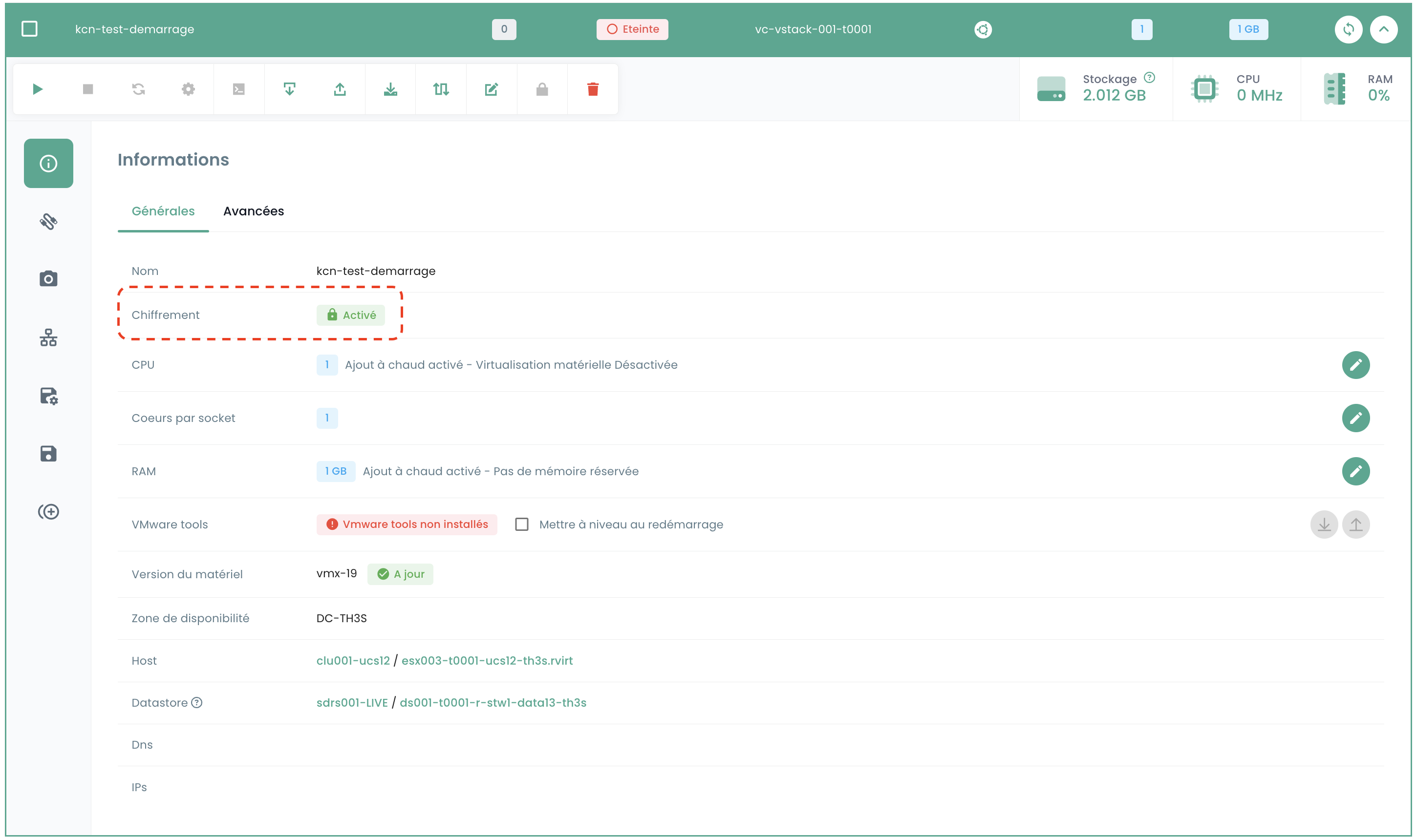
In the virtual machine's general information, you will find the status indicating whether the machine is already encrypted or not.
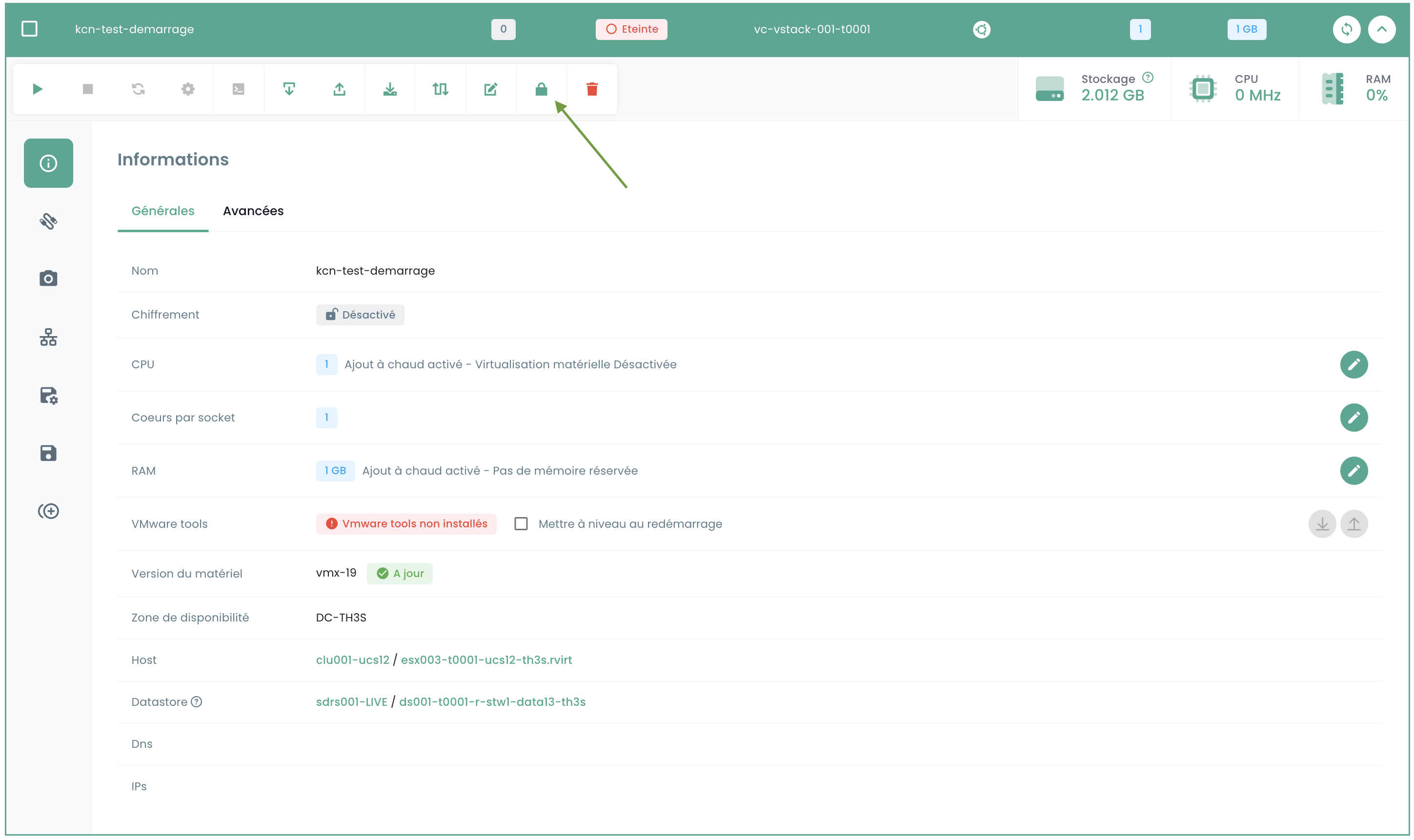
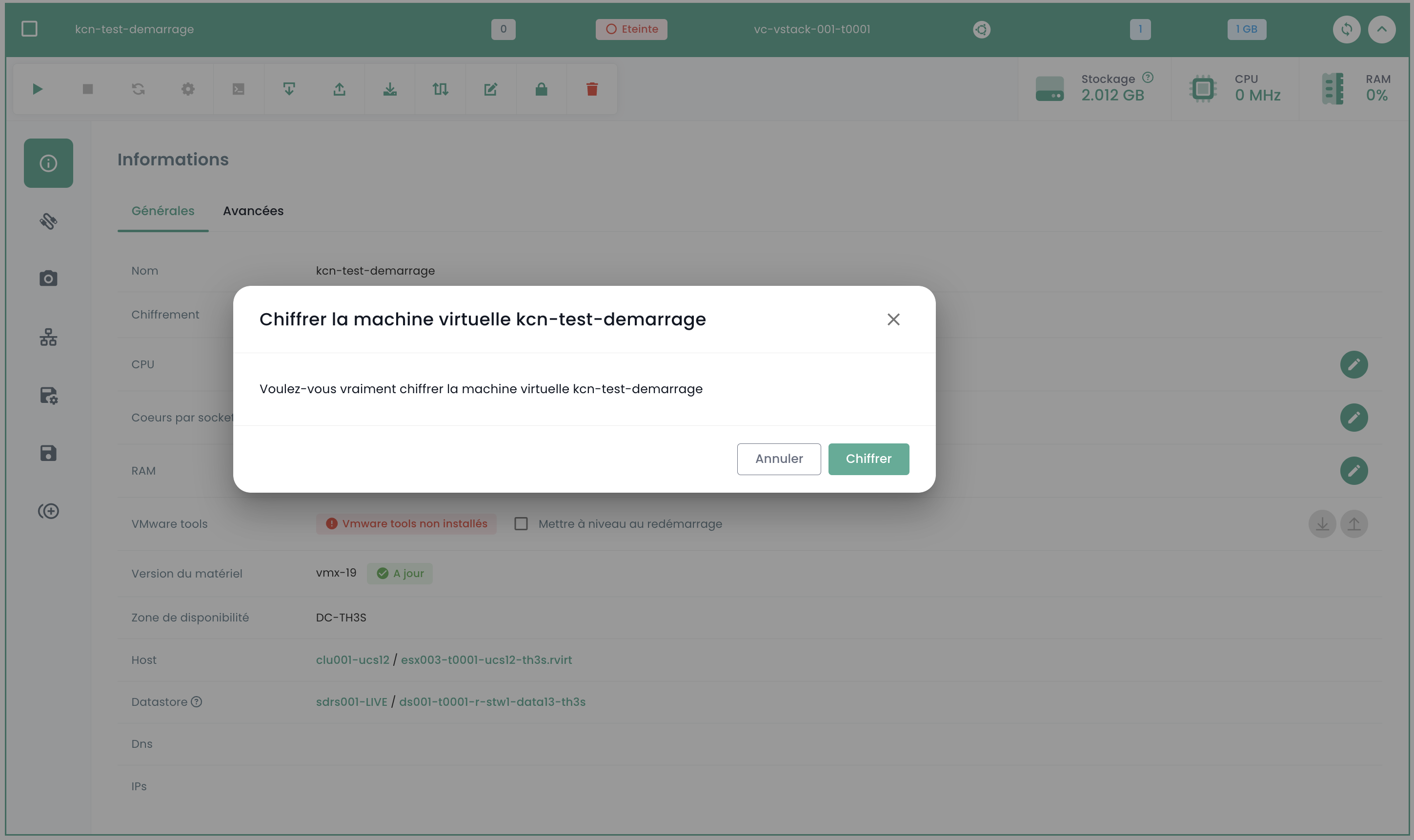
If the virtual machine meets the prerequisites, you can continue the procedure by clicking the button with a padlock icon in the toolbar labeled 'Encrypt Virtual Machine'.
A confirmation window will appear; select Encrypt.
Once the action is complete, you should see the updated information indicating that your machine is encrypted.