Deployment from a template
This guide will allow you to deploy your first instances on the Trusted Cloud in less than 5 minutes.
Prerequisites
- Have subscribed to the Cloud Temple product (subscription to the IaaS product).
- Have permissions enabled for the 'IaaS' object driver.
Deploy a virtual machine from a Template
This guide shows you step by step how to deploy a virtual machine from a Template in the Console.
On the Console portal, navigate to the "Trusted Cloud" tab, then "Catalogs". Before you can deploy a Template, it must be loaded into your private catalog, in the "My Catalog" tab.
To do this, you have two options: import your own Template directly into your private catalog, or import a template from the Cloud Temple public catalog.
Import a Personal Template into the Private Catalog
In the "My Catalog" tab, click on "Publish files".
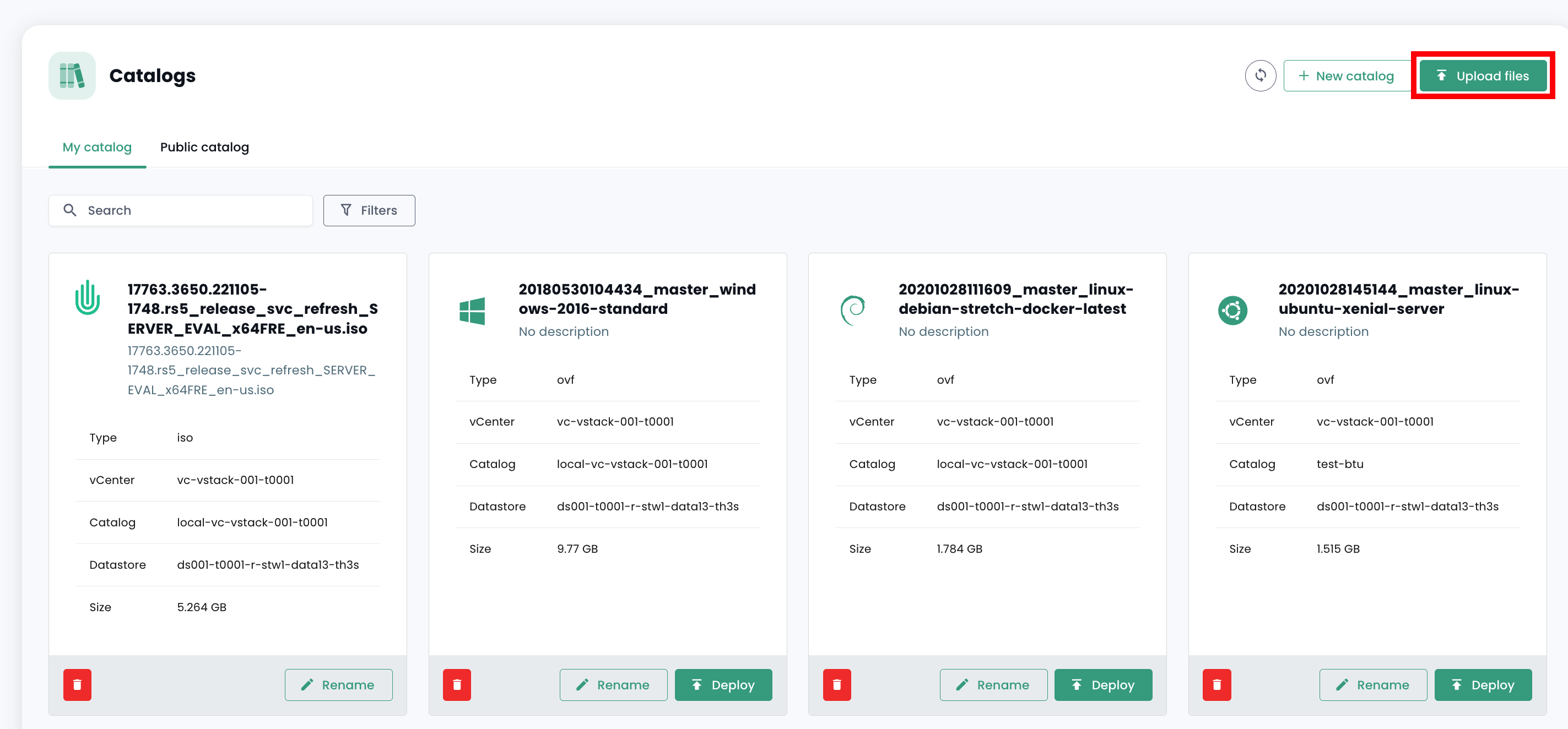
Then follow the template publishing steps, entering its name and a description, and choosing its location in a library.
The template should then appear in your private catalog.
Import a Template from the Public Catalog
In the "Public Catalog" tab, click the "Add to my catalog" button for the Template of your choice to import it into your private catalog. It should then appear in your private catalog.
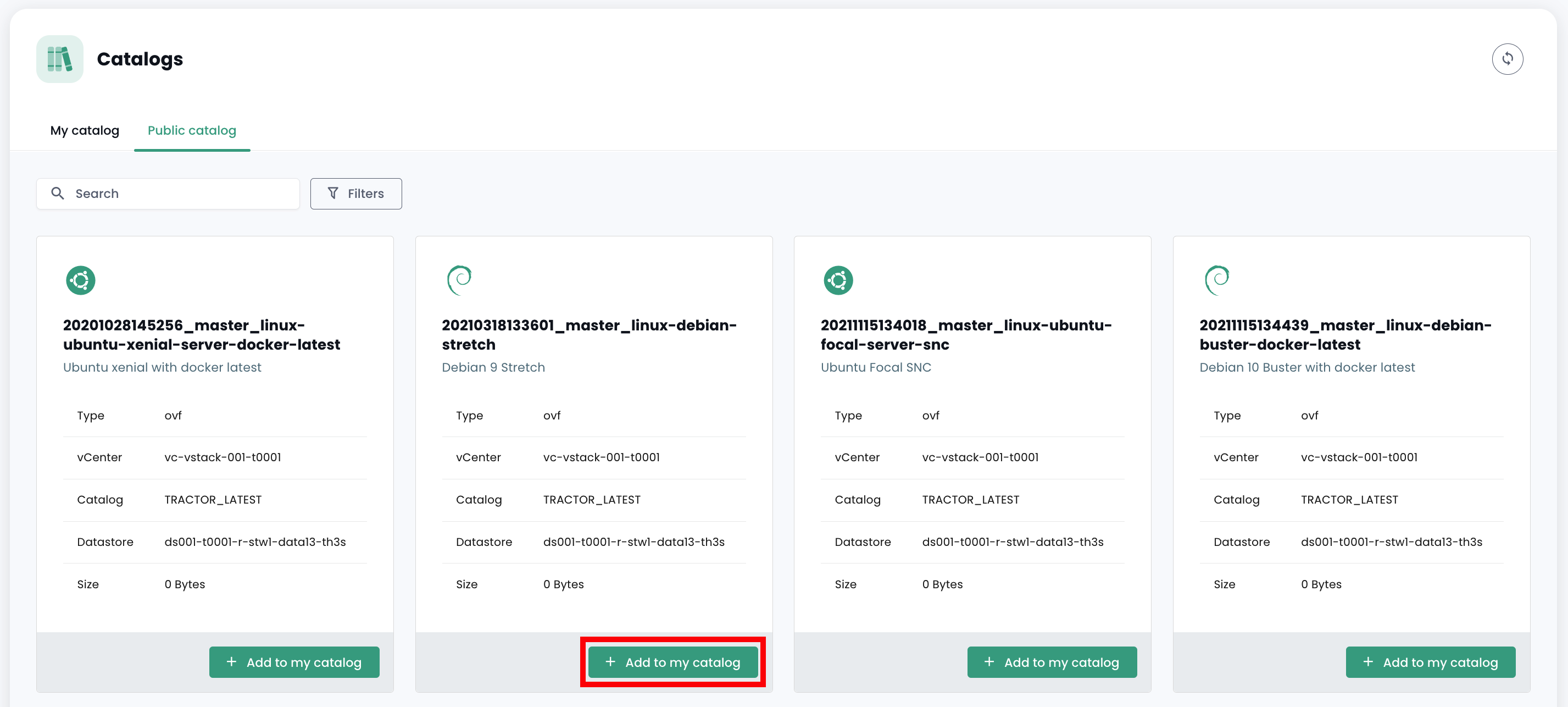
Deploy the Template
Once the Template is imported into your private catalog, you can deploy it by clicking "Deploy".
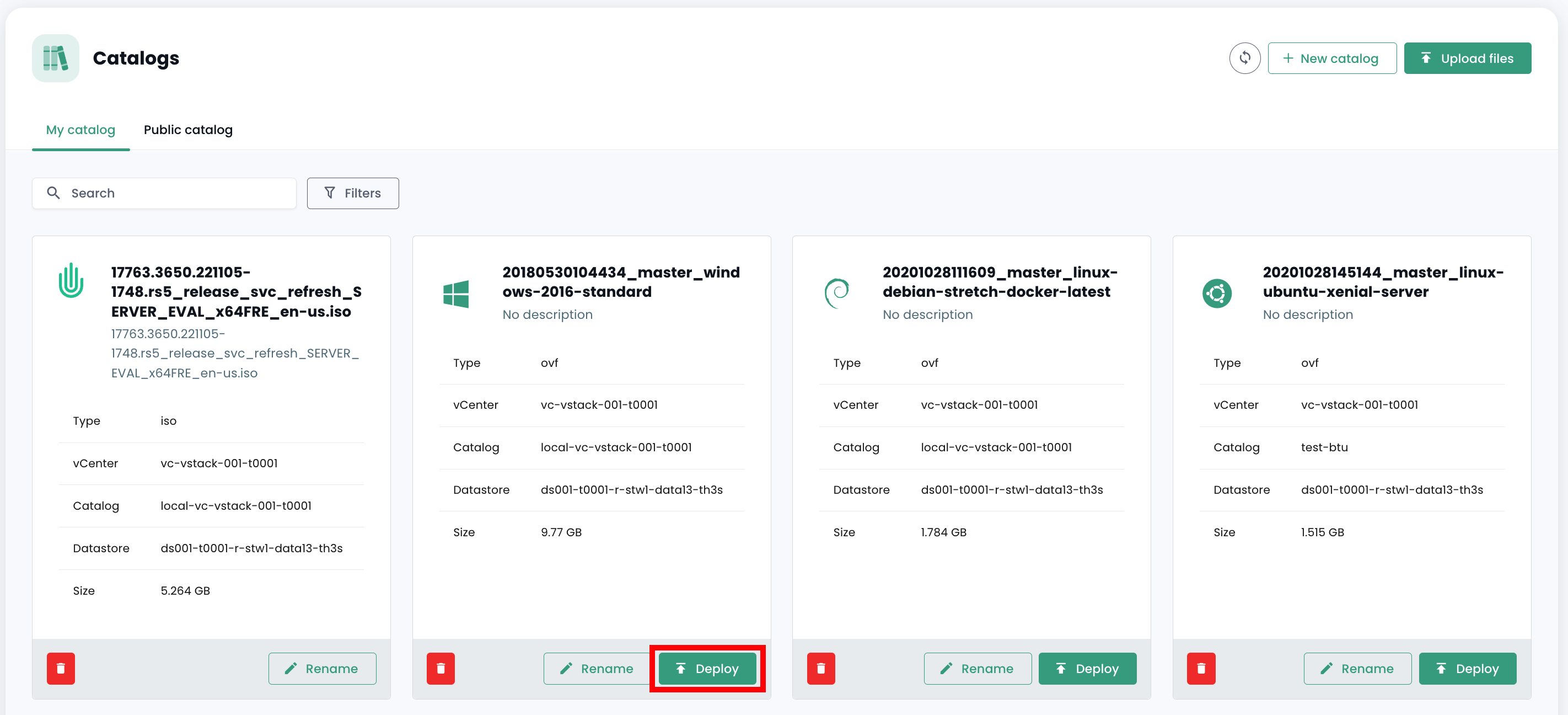
Next, follow the deployment steps for the resource, selecting its physical location (datacenter, compute cluster, datastore) and other optional configuration parameters.