Pool Management
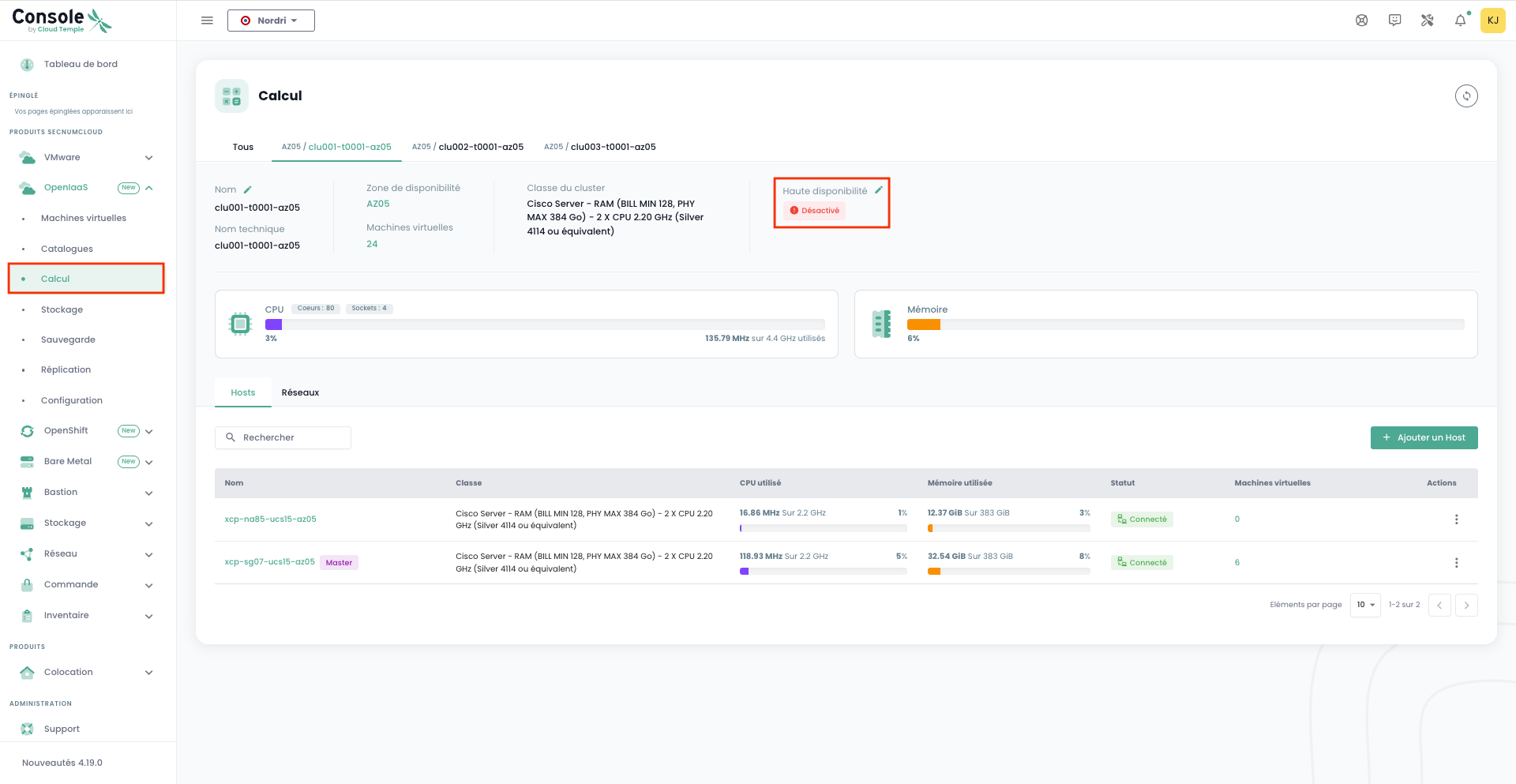
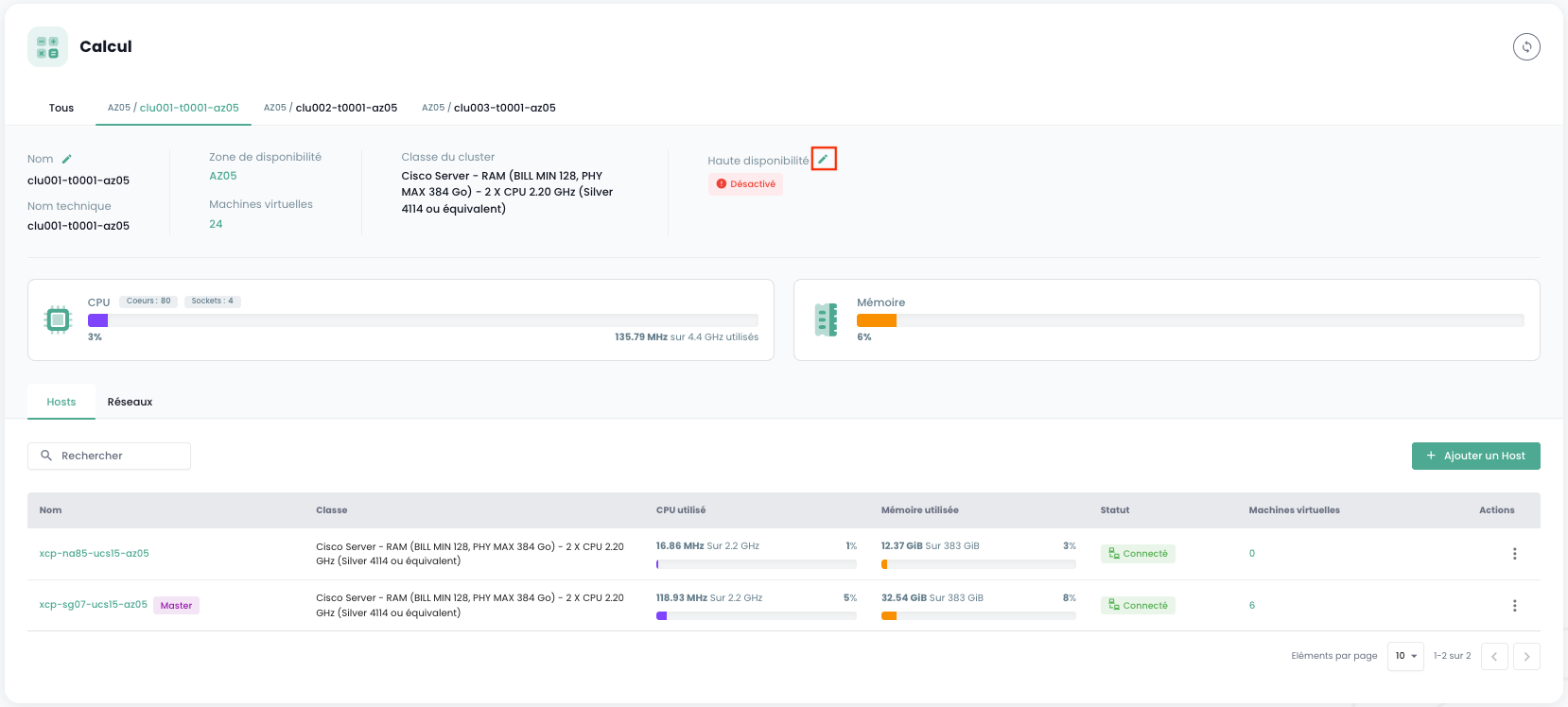
To manage high availability for a pool, simply go to the pool's page. The high availability status is directly displayed:
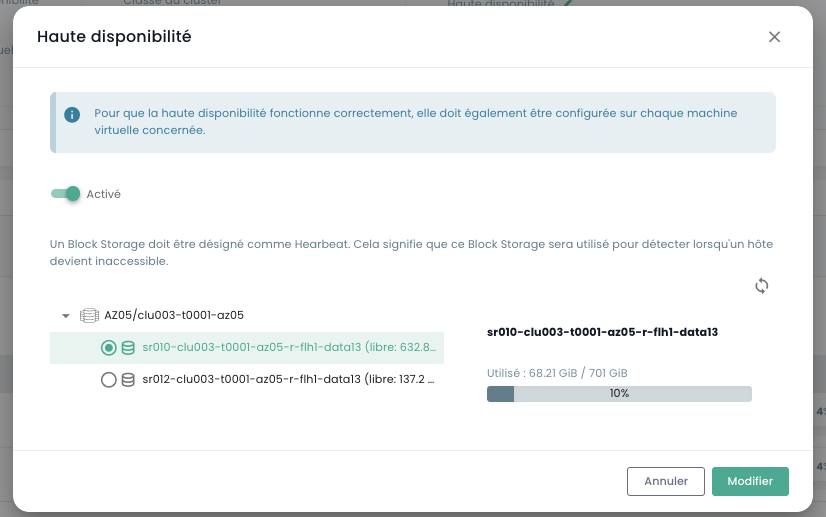
To enable high availability on a pool, you must select a Block Storage as a Heartbeat:
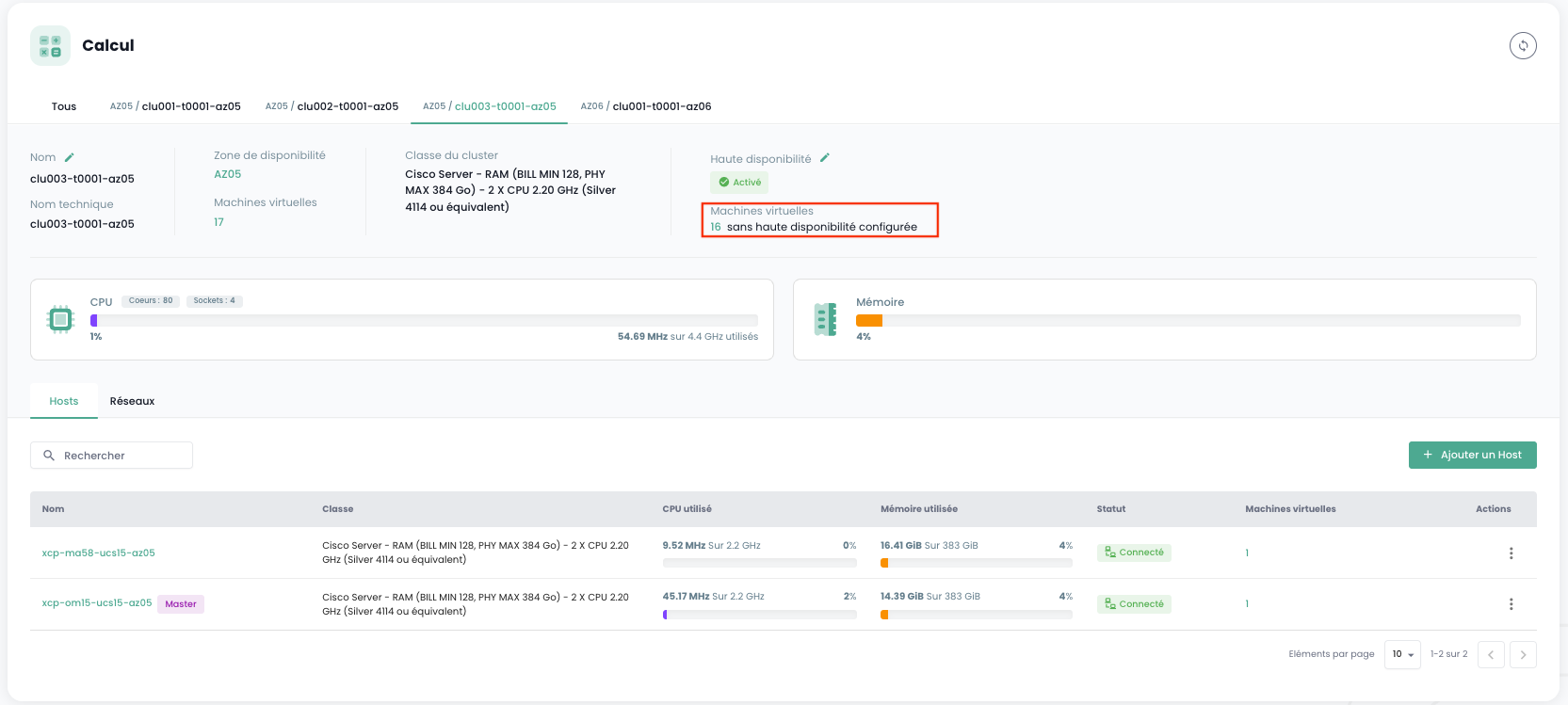
Once enabled, you can see the number of virtual machines that do not have a high availability configuration:
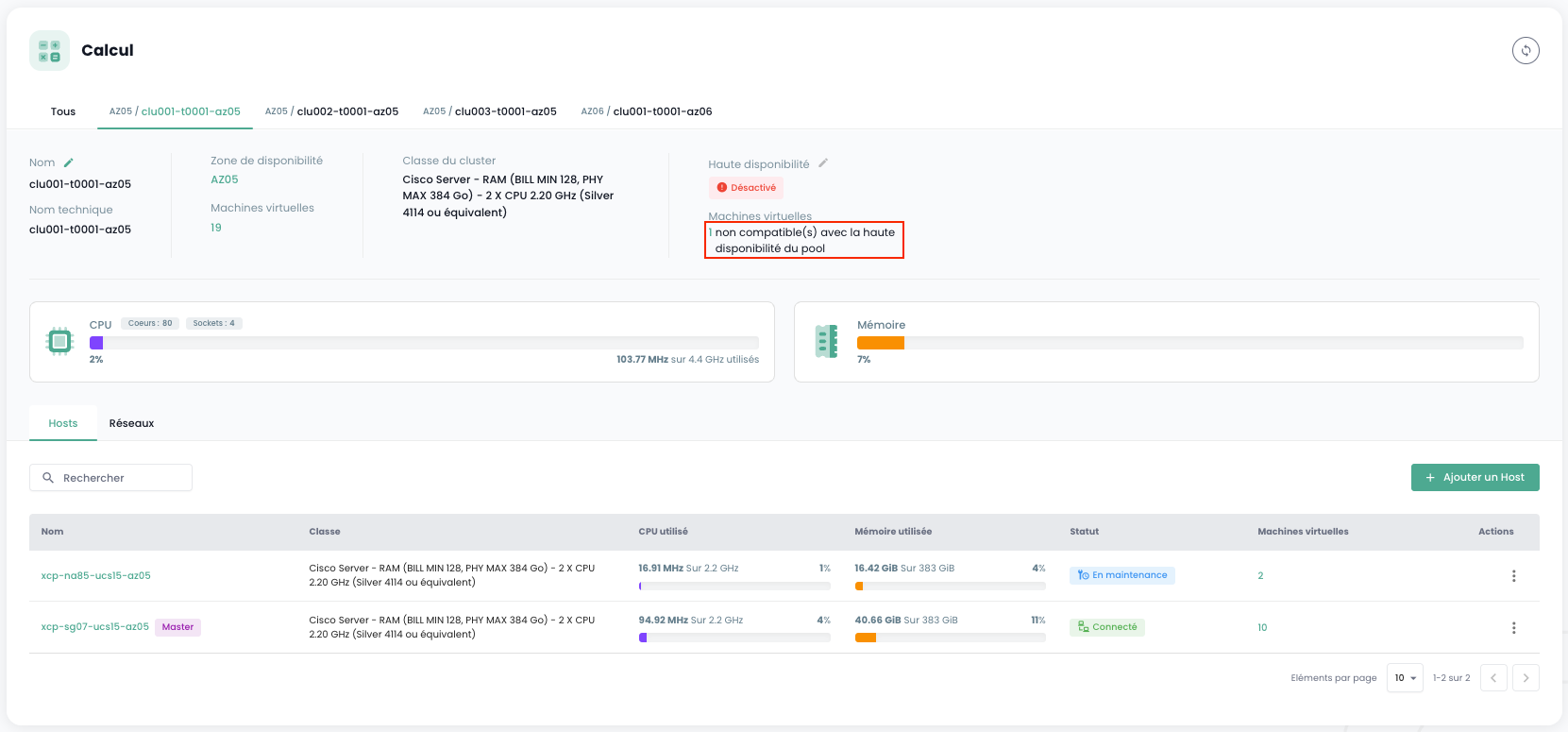
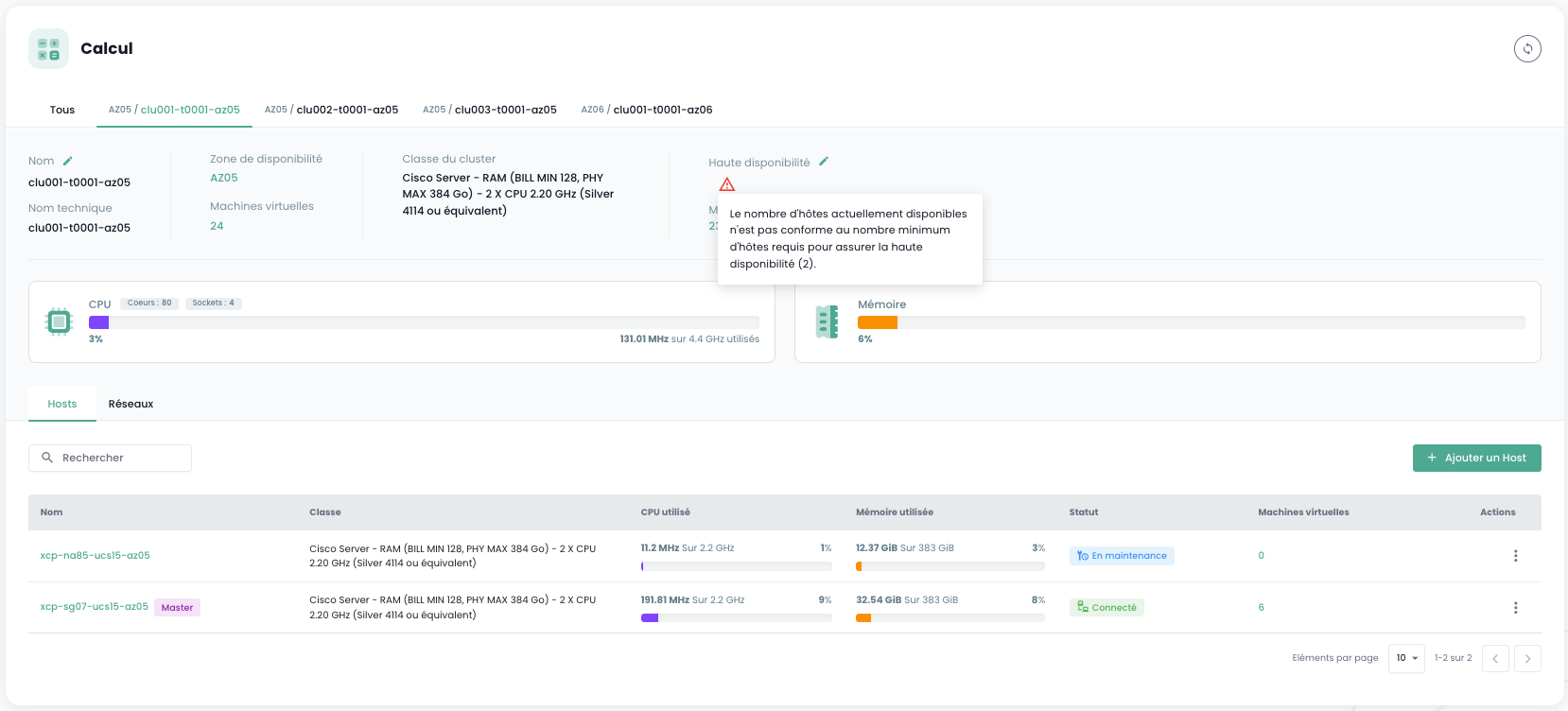
If the number of available hosts does not allow high availability to function, an alert message will be displayed:
To enable high availability on a pool, no virtual machine should be simultaneously powered on, use an ISO from a local (non-shared) storage, and have high availability configured in "restart" mode. If this situation occurs, you can view the list of problematic virtual machines: