QuickStart for the Bare Metal Offer
This page guides you through the initial steps to use the Bare Metal offer from the Cloud Temple console. Follow these instructions to explore the available menus and features.
Prerequisites
Before you begin, ensure the following:
- Active subscription: Your organization must be subscribed to the Bare Metal offer.
- User permissions: Your user account must have the necessary permissions to access and manage Bare Metal resources.
Access to the Bare Metal Interface
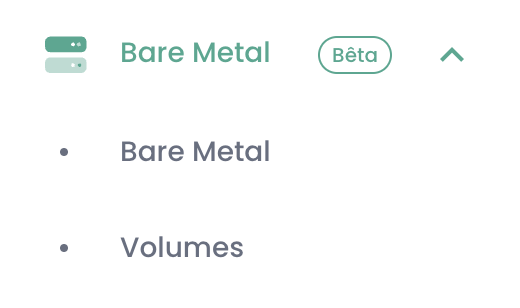
Once the subscription is activated and permissions are configured, a new menu titled Bare Metal appears in the Cloud Temple console. This menu contains two main sub-menus: Bare Metal and Volumes.
1. Bare Metal Sub-menu
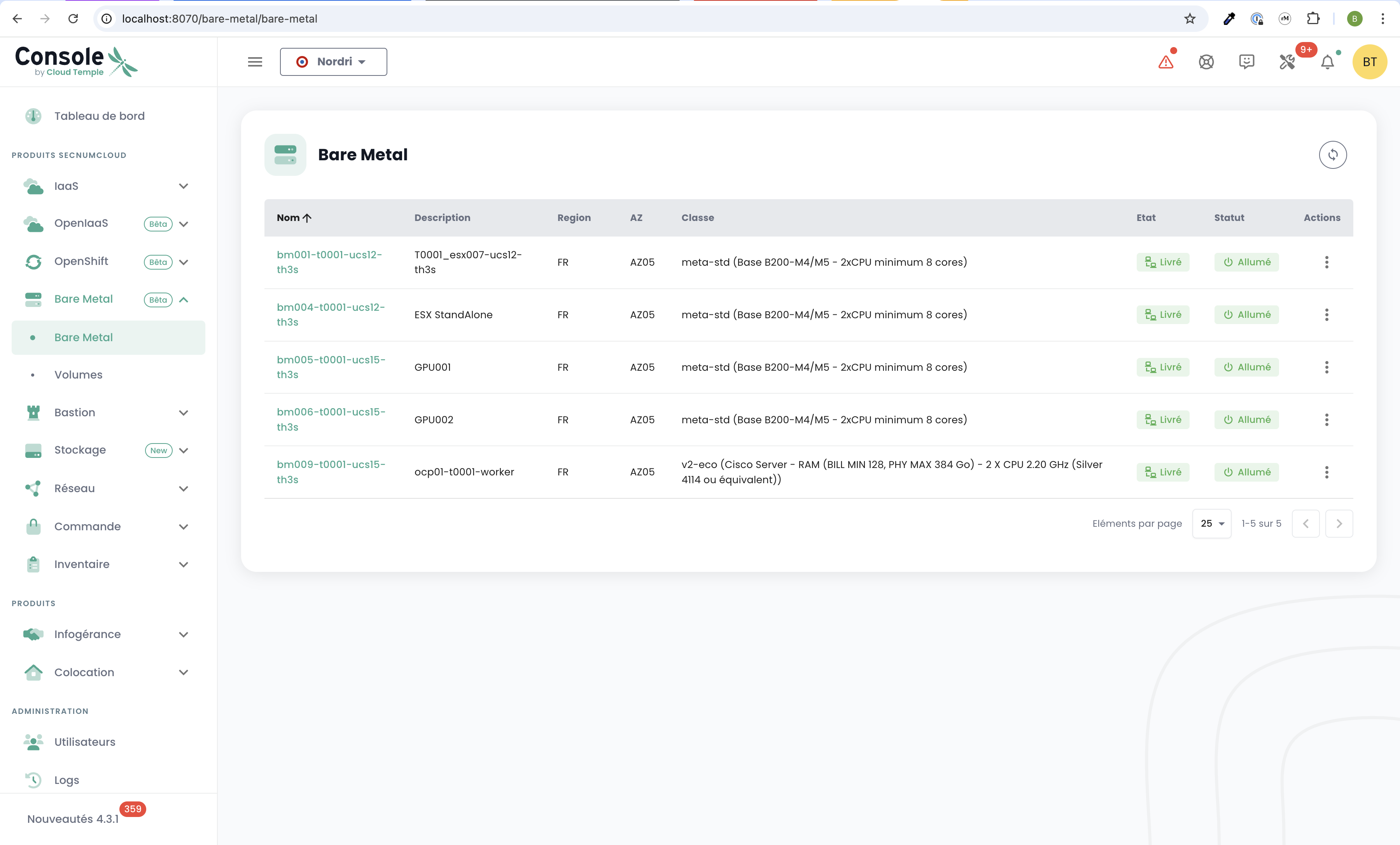
The Bare Metal sub-menu displays a table listing all available Bare Metal instances. This table includes the main information for each instance:
- Bare Metal Name
- Status
- Hardware Configuration
- IP Address
Main Features
- Action Button: Allows direct access to the Bare Metal administration console.
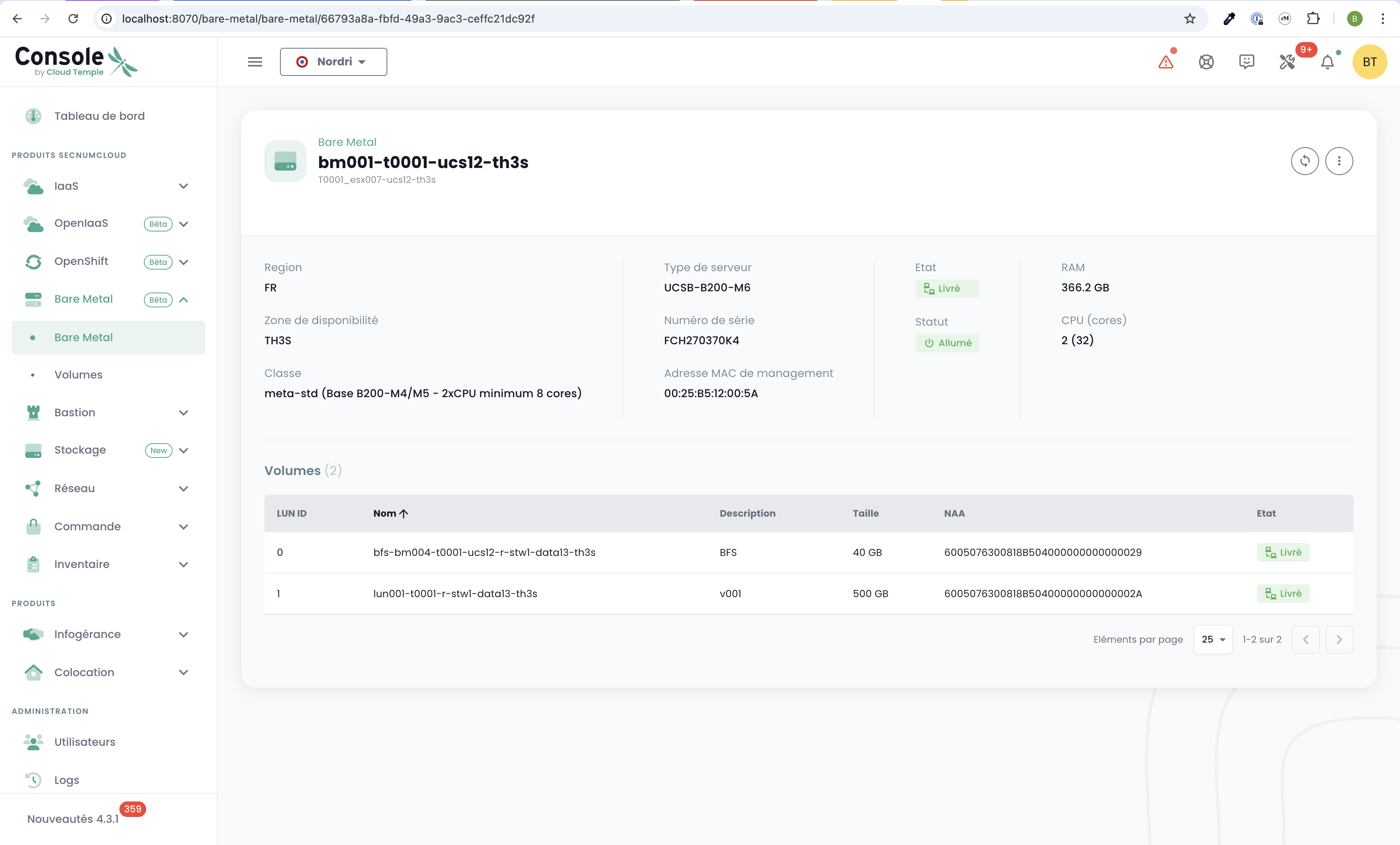
- Clickable Name: Clicking on a Bare Metal instance name displays a new page with the complete details of the instance:
- Hardware information (RAM, CPU, GPU, etc.).
- Network configuration (associated IP addresses).
- Connectivity information for management.
2. Volumes Submenu
The Volumes submenu displays a table listing all storage volumes associated with your Bare Metal subscription. For each volume, the following information is available:
- Volume Name
- Capacity
- Performance Class (IOPS per TB)
- Status (Available, Deploying, etc.)
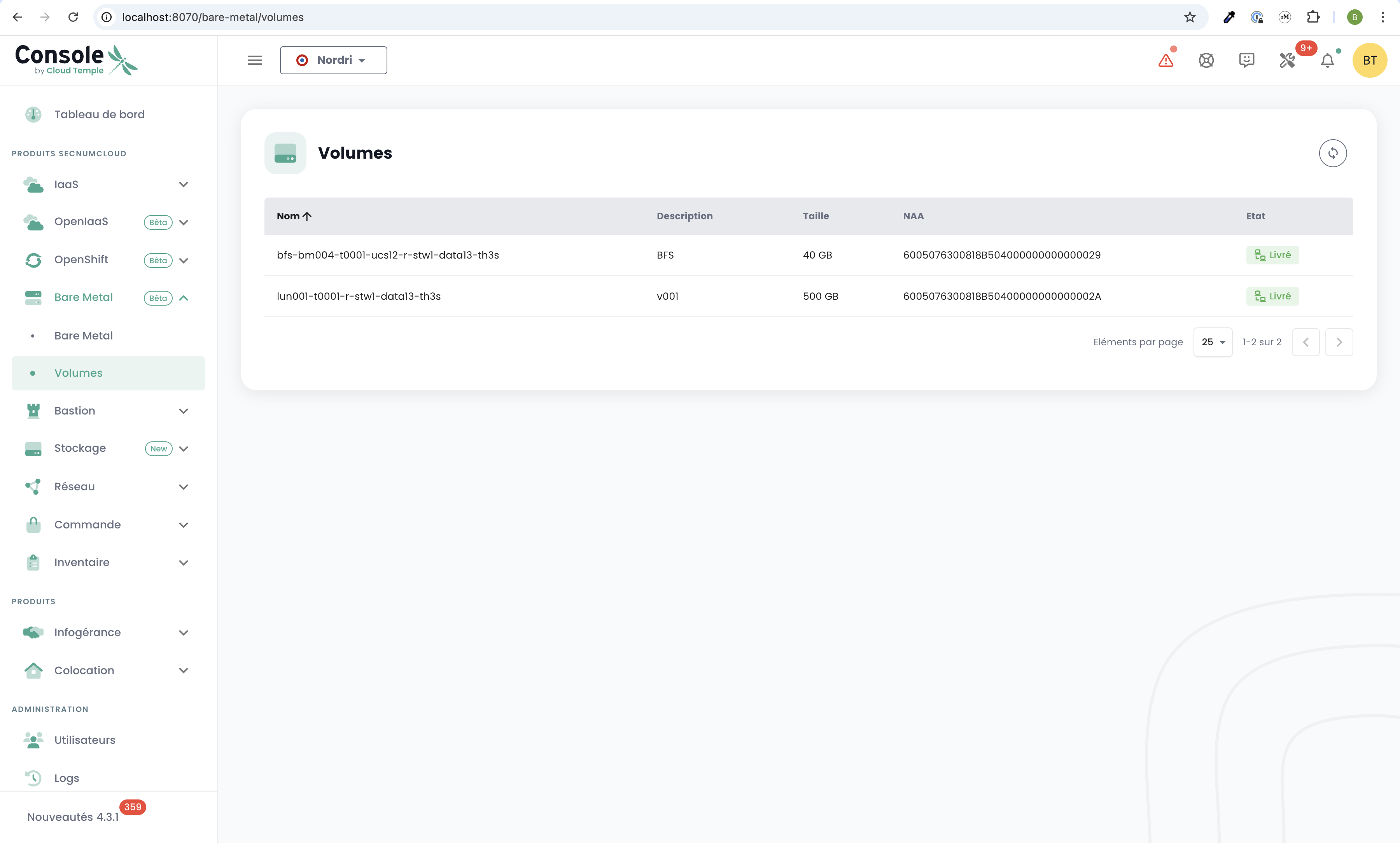
Volume 1 is the BFS (Boot from SAN) volume and must be used to install the operating system.
Important: This volume cannot be shared with other Bare Metal instances in the same Availability Zone (AZ).
Prefer installing the OS on the BFS volume, and store your data on an additional LUN volume. This separation facilitates maintenance, backups, and system reinstallation if necessary.
Main Features
- Volume Management: From this table, you can map volumes to your Bare Metal instances.