Bereitstellen eines Images auf VMware
Dieses Tutorial führt Sie bei der Bereitstellung eines Images einer virtuellen Maschine aus dem Cloud Temple Marketplace in Ihre VMware-Umgebung.
Voraussetzungen
- Verfügen über eine konfigurierte VMware-Umgebung
- Über die Berechtigungen zum Erstellen von virtuellen Maschinen verfügen
- Das Image muss VMware in den kompatiblen Zielen enthalten
Deployment-Schritte
1. Auswahl und Bereitstellung
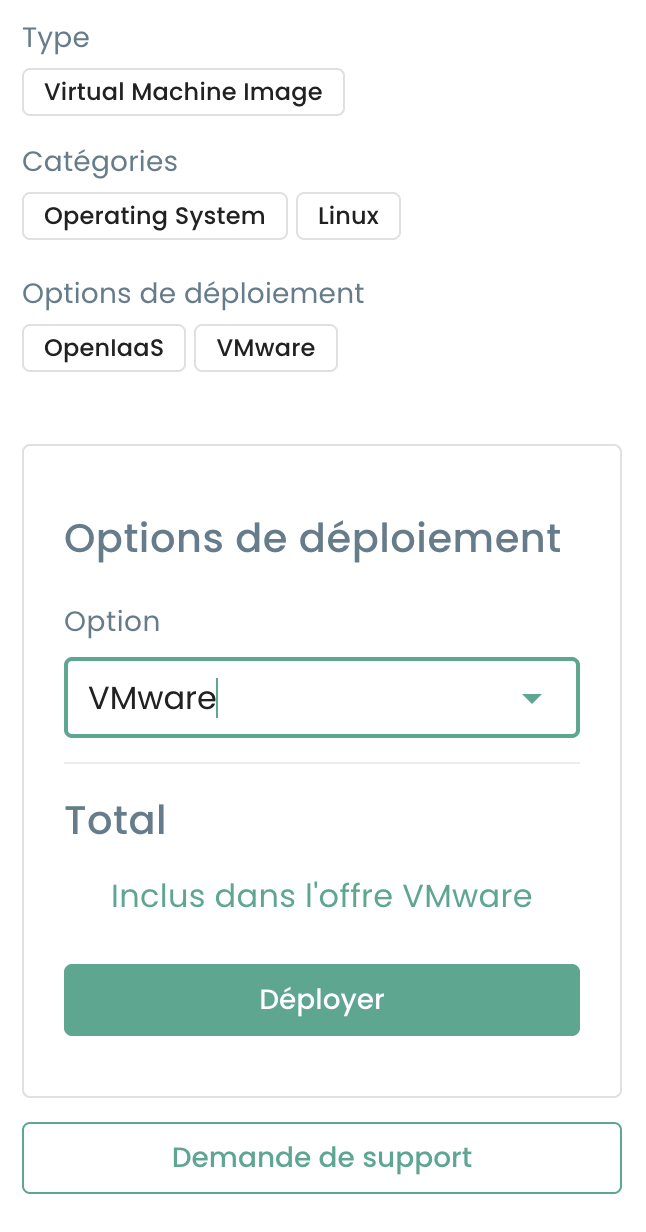
Wählen Sie auf der Detailseite einer VMware-kompatiblen Lösung Ihre Zielumgebung aus und klicken Sie auf Bereitstellen :
2. Konfiguration der virtuellen Maschine
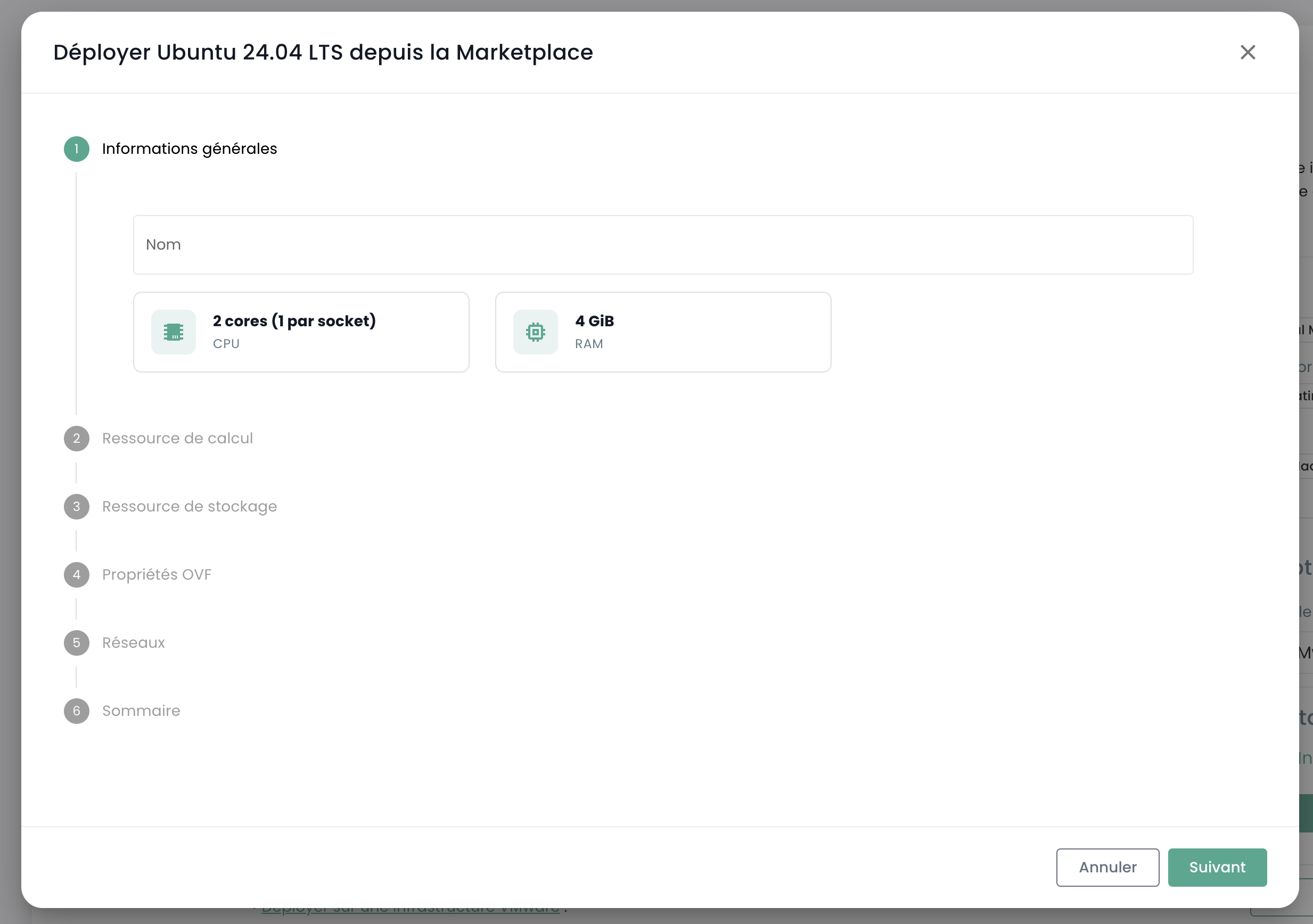
Konfigurieren Sie die grundlegenden Parameter Ihrer virtuellen Maschine:
- Name der VM
- Ressourcen (CPU, RAM)
- Speicher
- Netzwerk
Die Bereitstellung dauert in der Regel weniger als 10 Minuten, abhängig von der Größe des Images.
Alternativer Zugriff
Sie können auch direkt über die VMware-Oberfläche auf die Marketplace-Templates zugreifen:
- Navigieren Sie zu vSphere > VM bereitstellen
- Wählen Sie Marketplace-Templates als Quelle
- Durchsuchen Sie die im integrierten Katalog verfügbaren Images
Deployment-Verfolgung
Sobald das Deployment gestartet wurde:
- Verfolgen Sie den Fortschritt über die VMware-Konsole
- Die VM wird in Ihrem vSphere-Inventar angezeigt